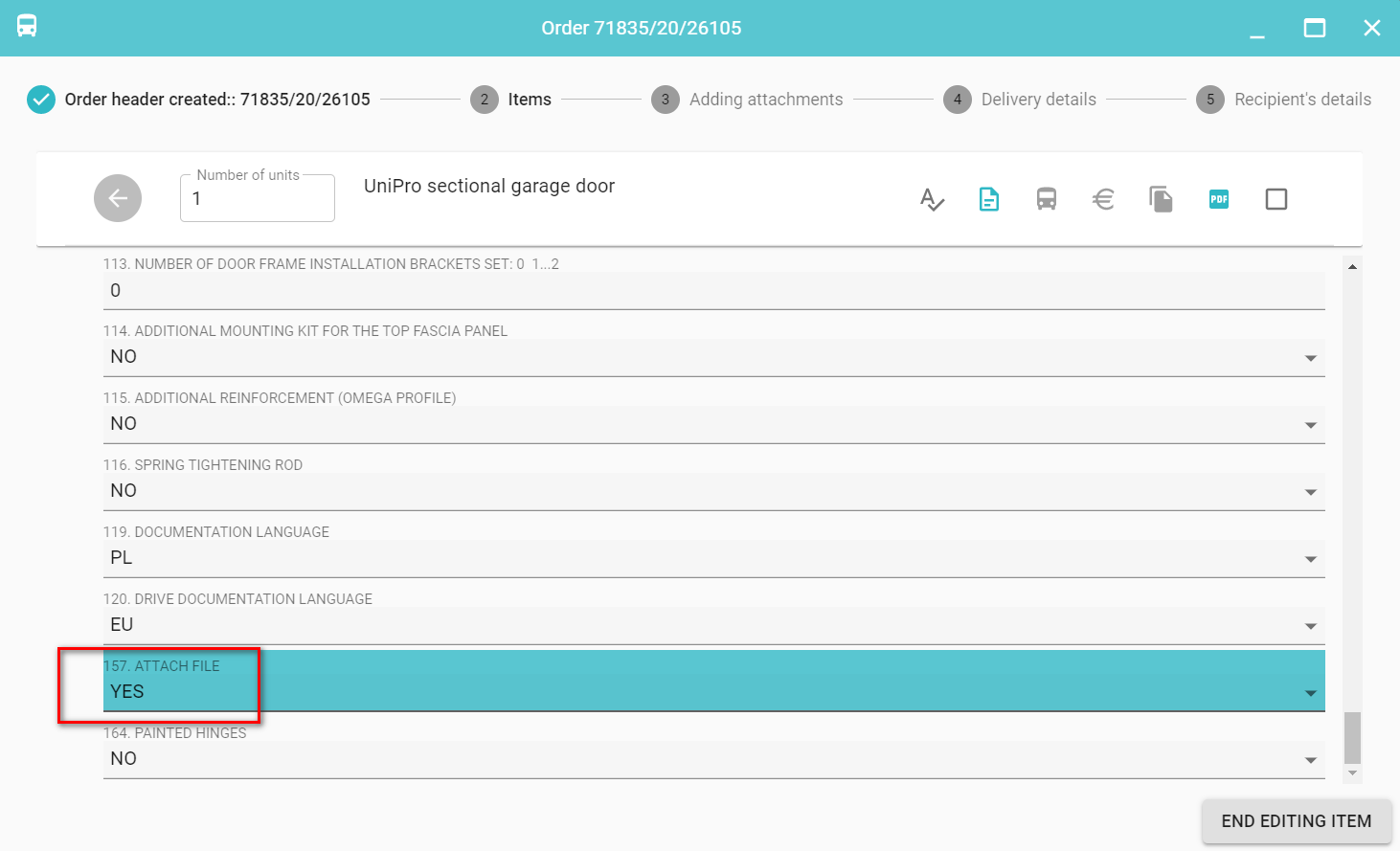
For each order, you can add an attachment. If the properties of a given product include ATTACH FILE sets the value YES adding an attachment is required and you cannot skip this step when entering an order.
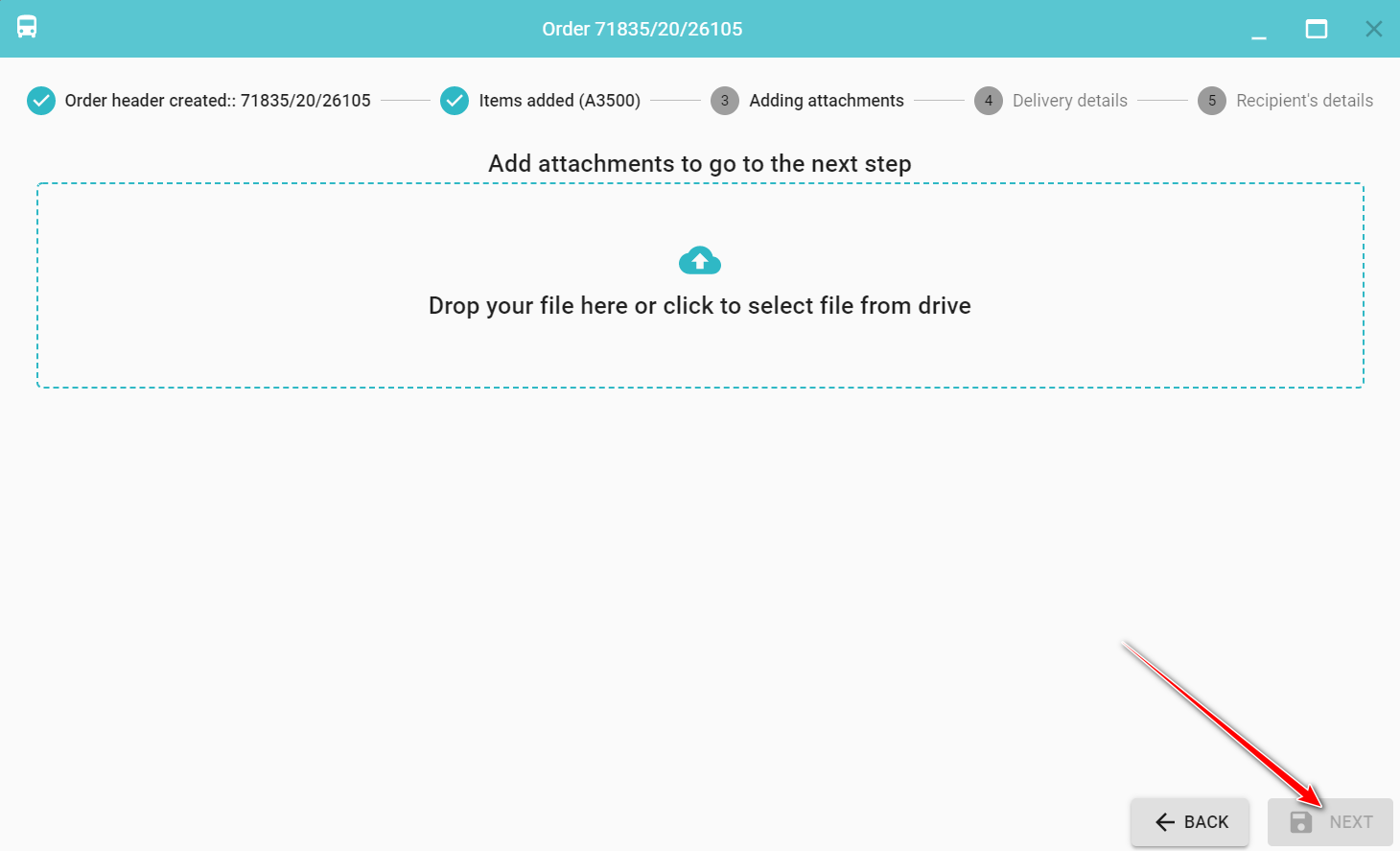
The Next button will be inactive until the attachment is selected!
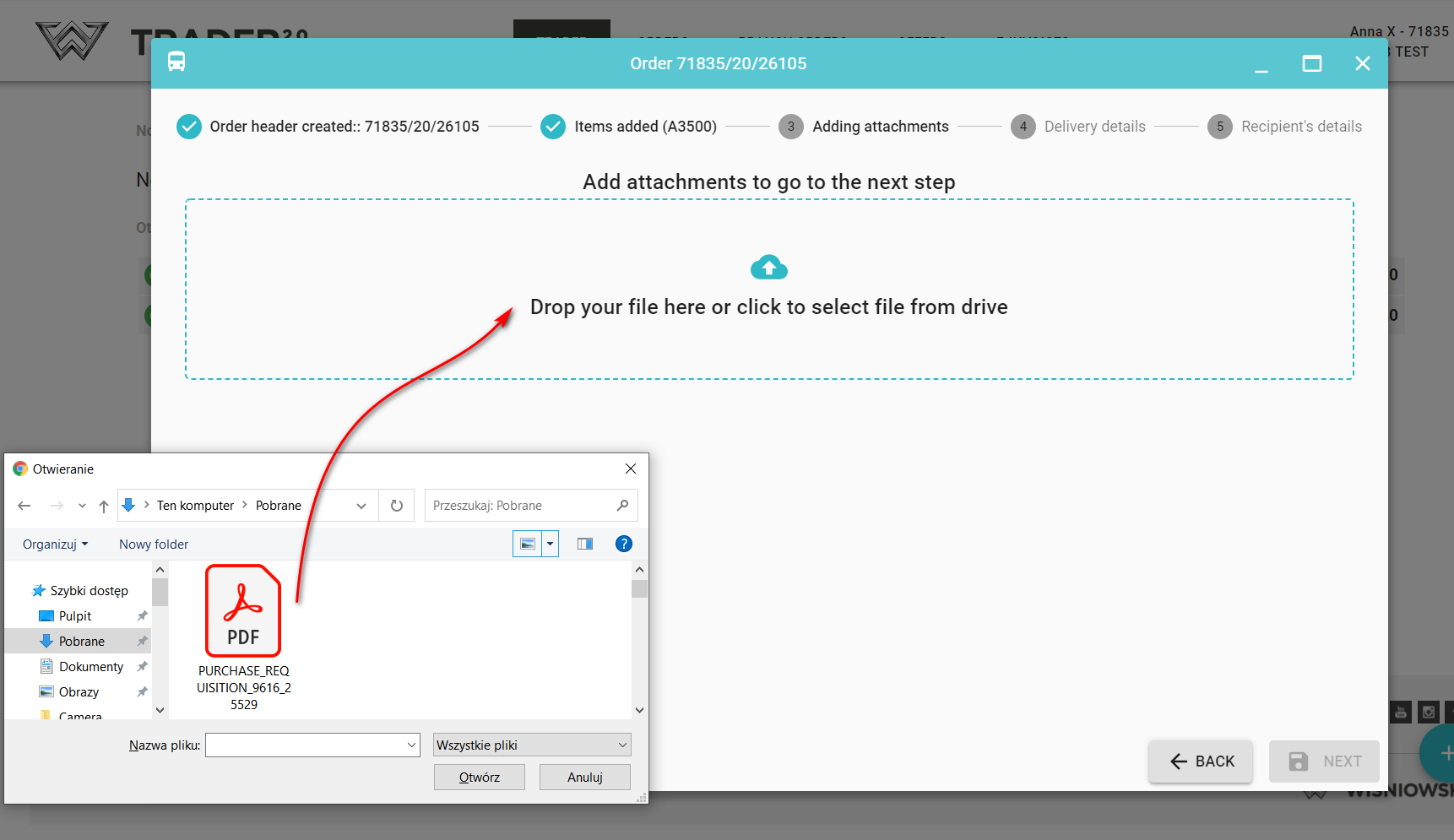
To add an attachment while at the stage of adding attachments, point to the file from your computer's disk or simply drag it.
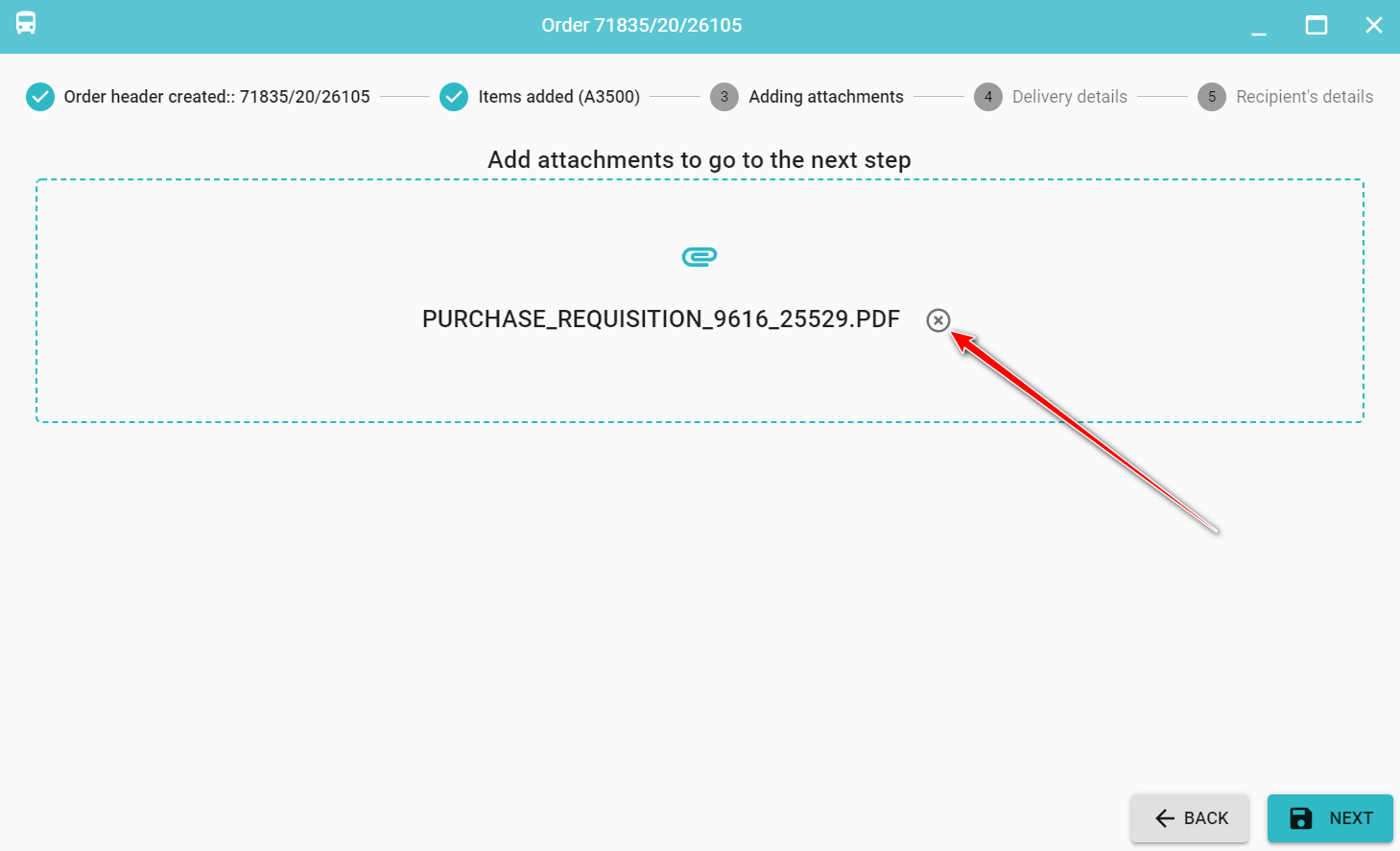
To remove an attachment click  next to the attachement name.