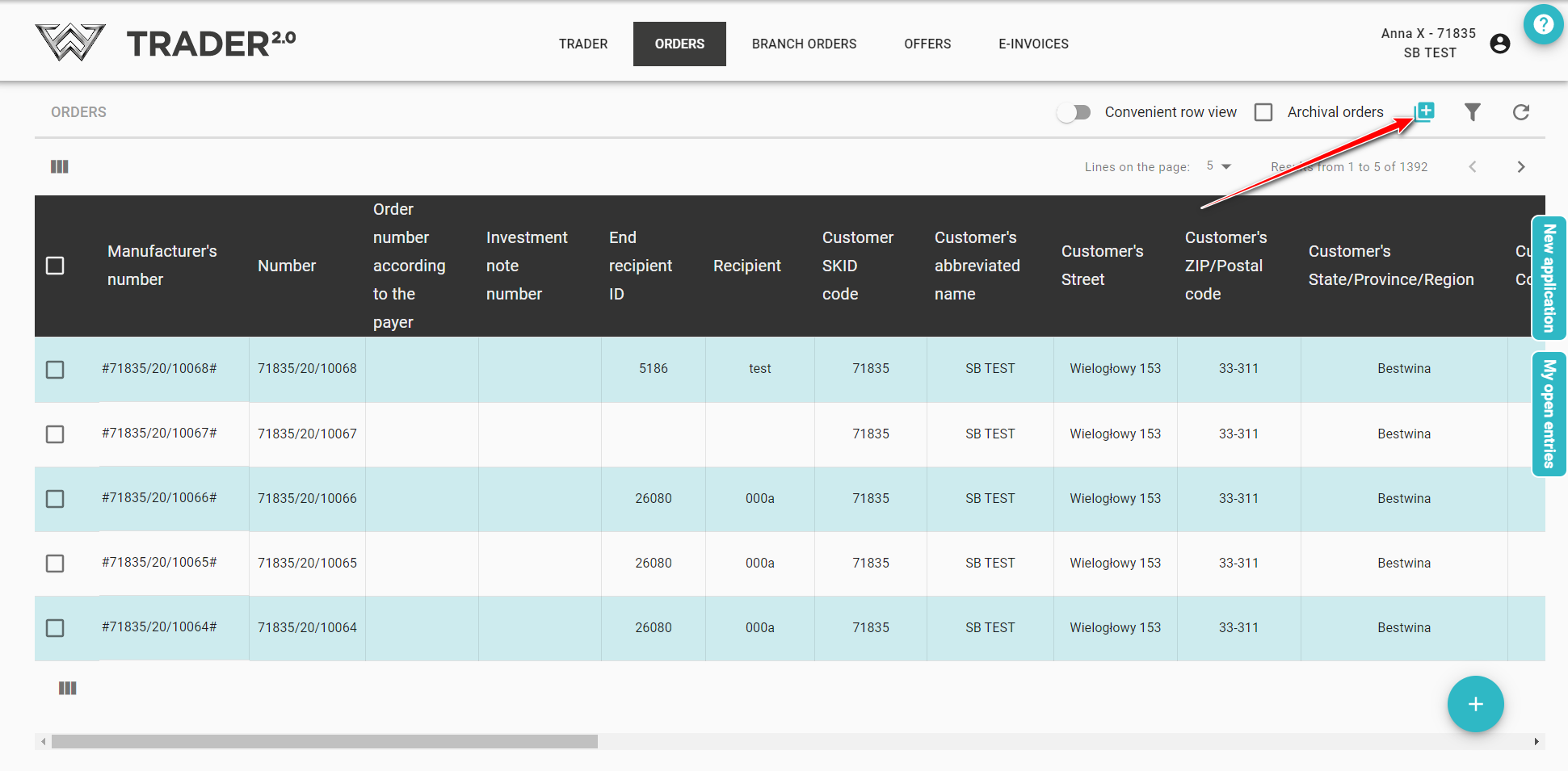
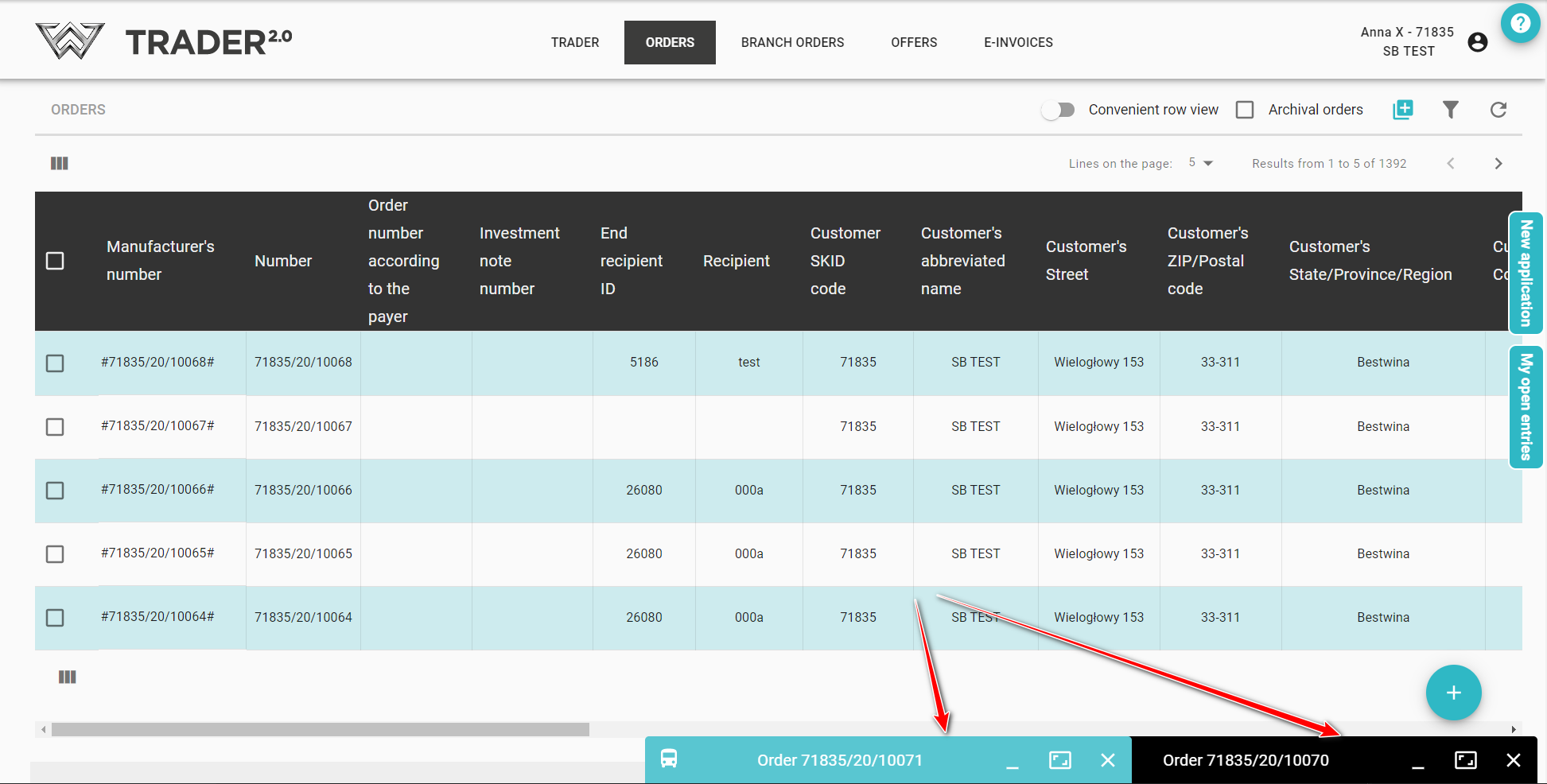
Same as for an order, you can enter an offer from anywhere in the application where the icon  is visible.
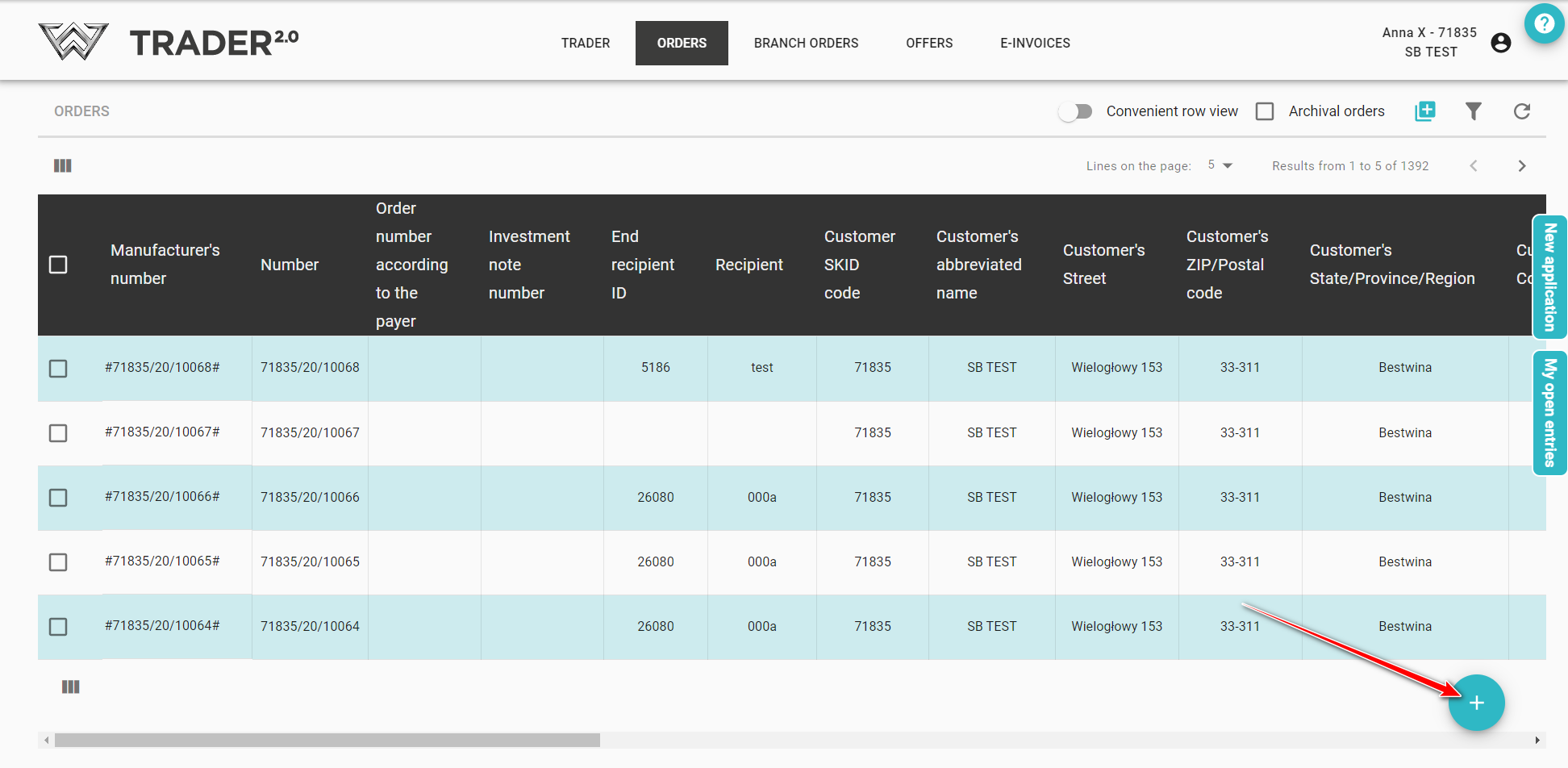
Additionally, it is also possible to enter a new offer by pressing the a button 
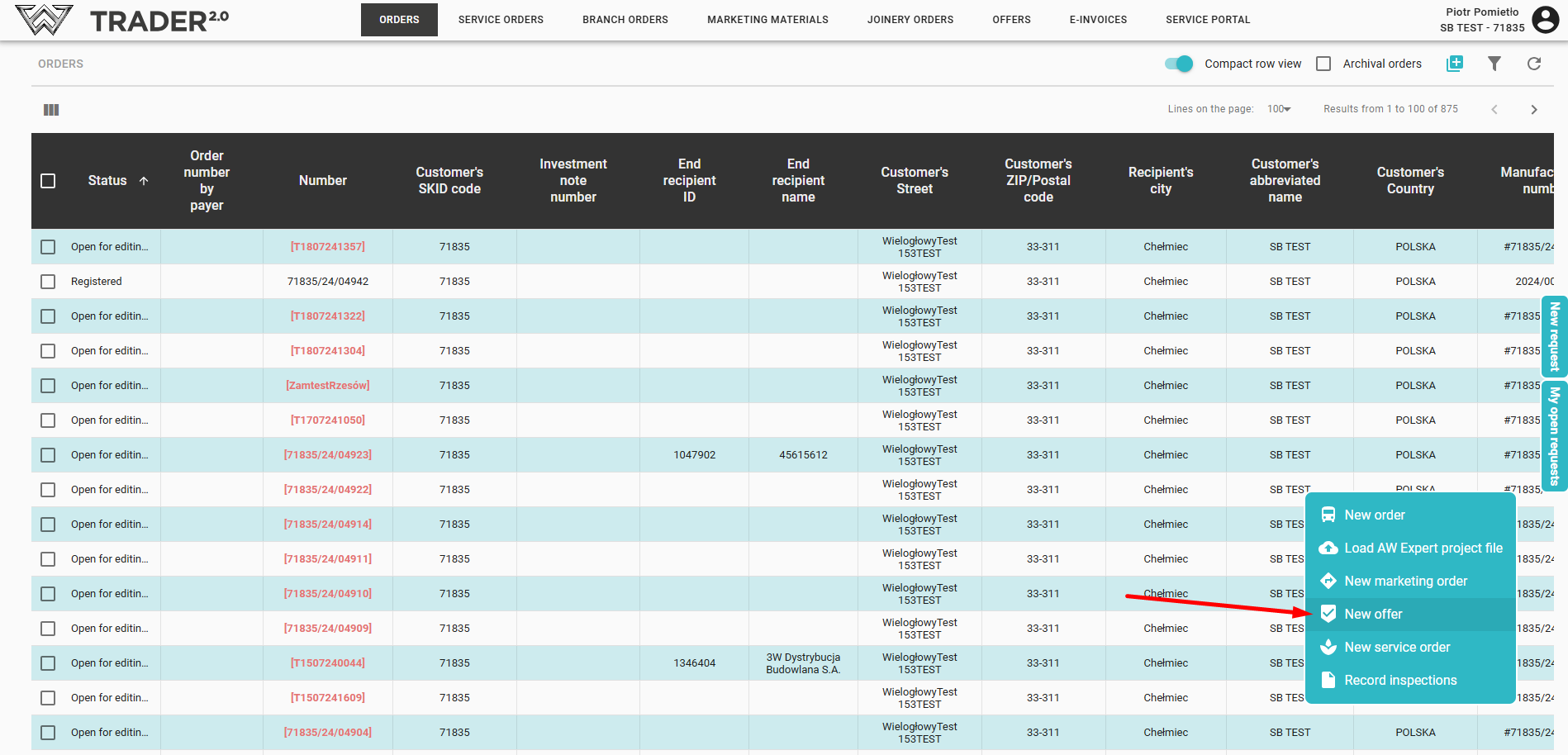
Just click on + and select New offer, to go to the next steps in entering your offer.
The creation of an offer can be divided into 5 stages: