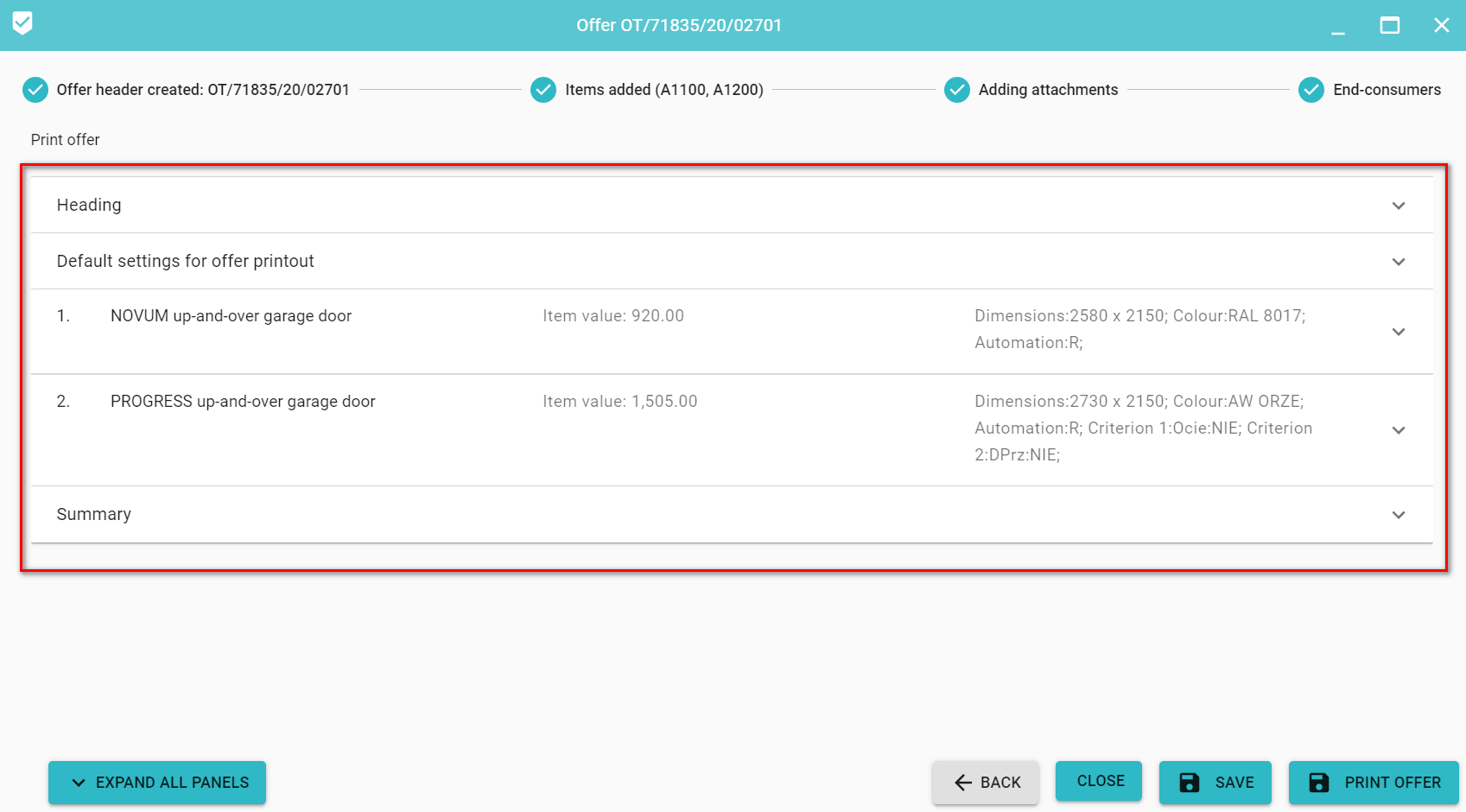
The definition of the data for the offer printout consists of the following elements definition:
1.Offer header
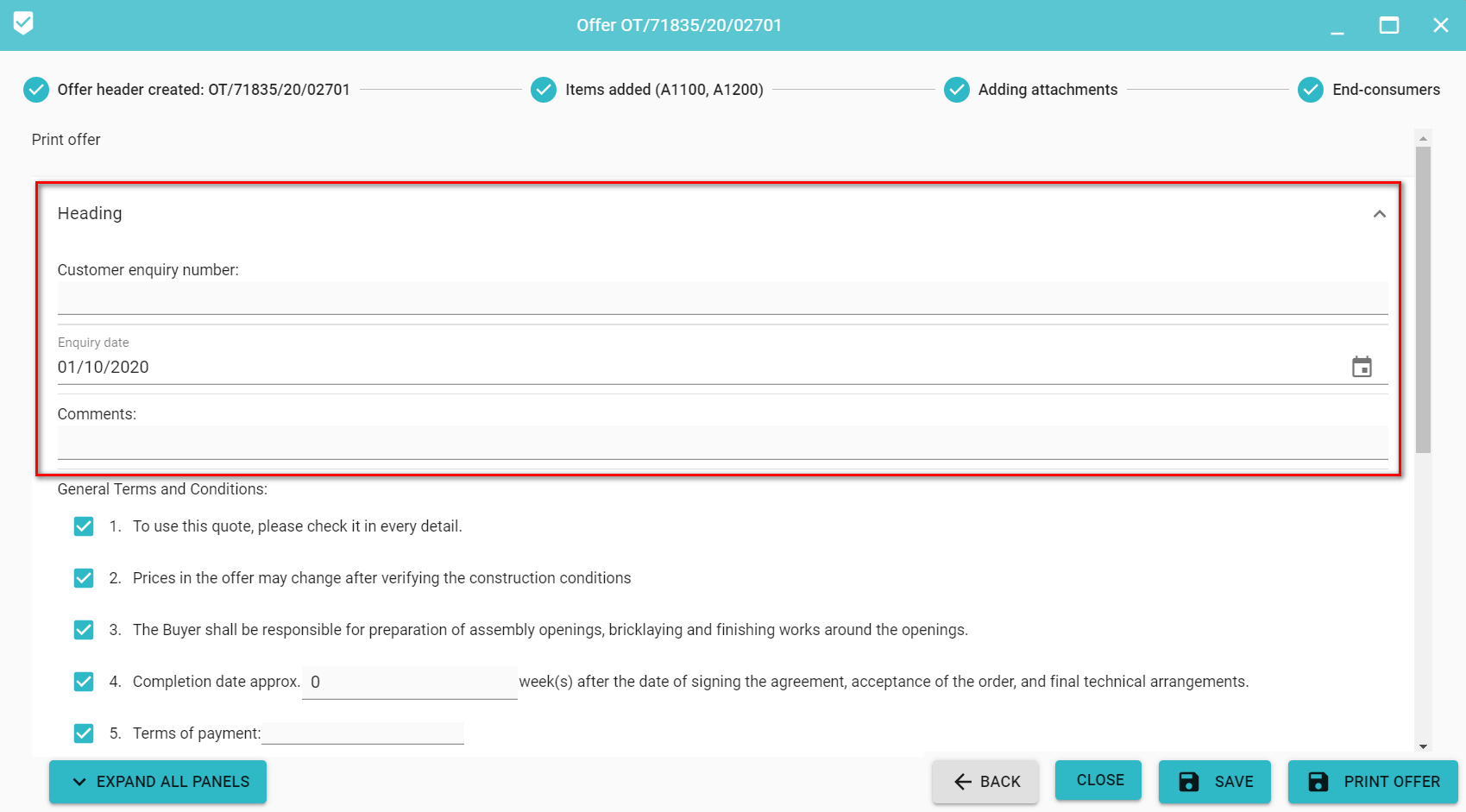
Specify Customer enquiry number, choose Enquiry date (default current date), and add general Comments for offer.
2. General Terms and Condition for offer
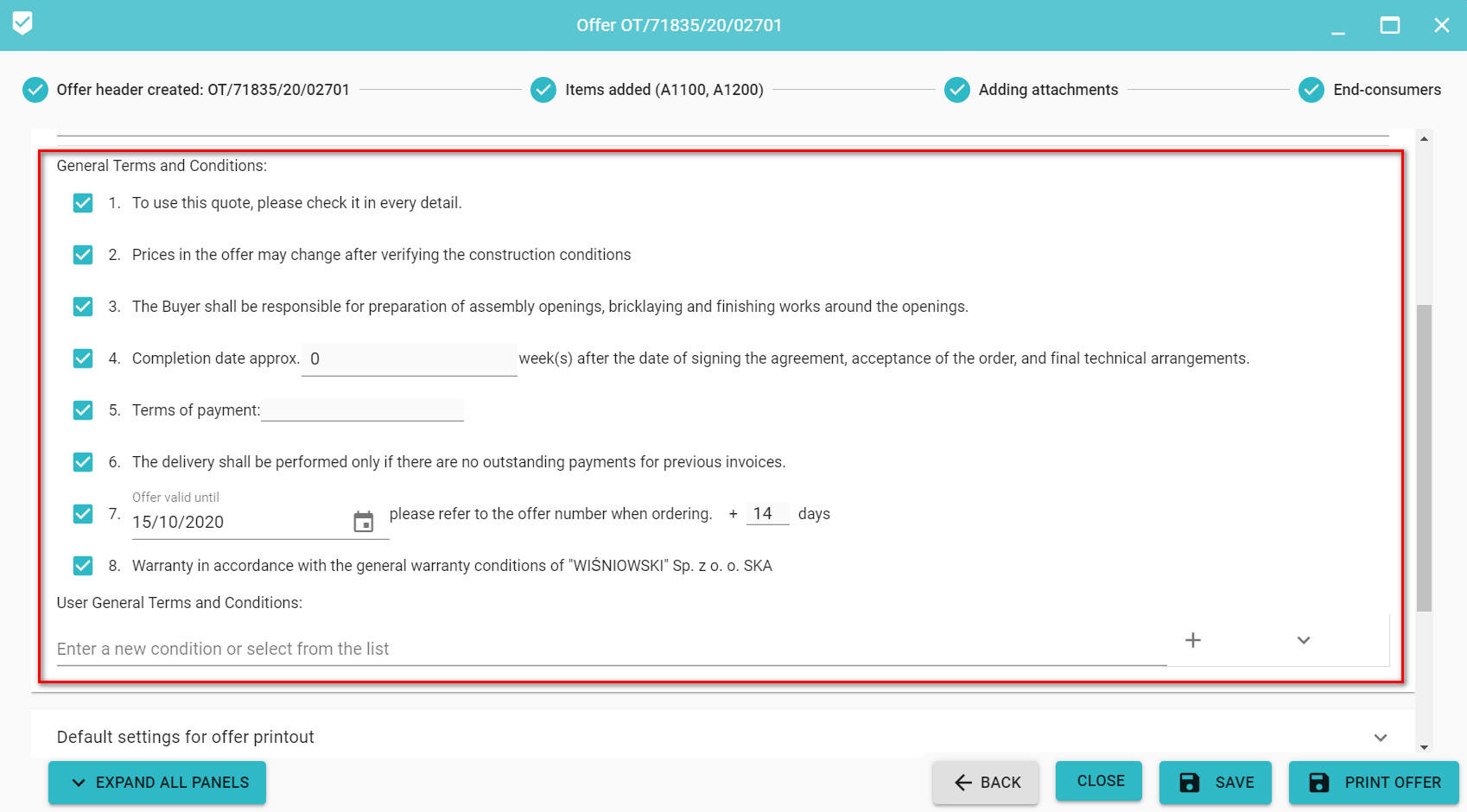
Only selected conditions will be displayed on the offer printout. The relevant conditions require additional supplementation (completion date, payment terms and offer validity).
You can also enter your own condition or select from the list (if any).
3. Default settings for printing the offer.
For a selected customer, we can define a set of printout settings:
- General discount - set for the entire offer (you can also set a discount for individual items, discounts cannot be combined).
- Print total before discount - whether the amount before the discount should appear on the printout for a given recipient
- Price include VAT - after selecting the required supplementation of the VAT rate in the default settings or on the added items
- Print total after discount - whether the amount after the discount should appear on the printout for a given recipient.
- The offer includes installation cost - after selecting, it is required to supplement at least one instalation cost (in default settings or on added items)
- Print the correct item numbering - when selected, an additional column will appear on the printout with the numbering corresponding to the numbering of all possible properties.
- Print discount- whether % discount should appear on the printout
- Prices include transport - the cost of transport can be determined after ticking
- Print construction conditions - whether the building conditions should appear on the printout.
- Do not printout the summary - whether a summary should appear on the printout
-
Print item notes - when selected, the notes for the item will be included in the printout.
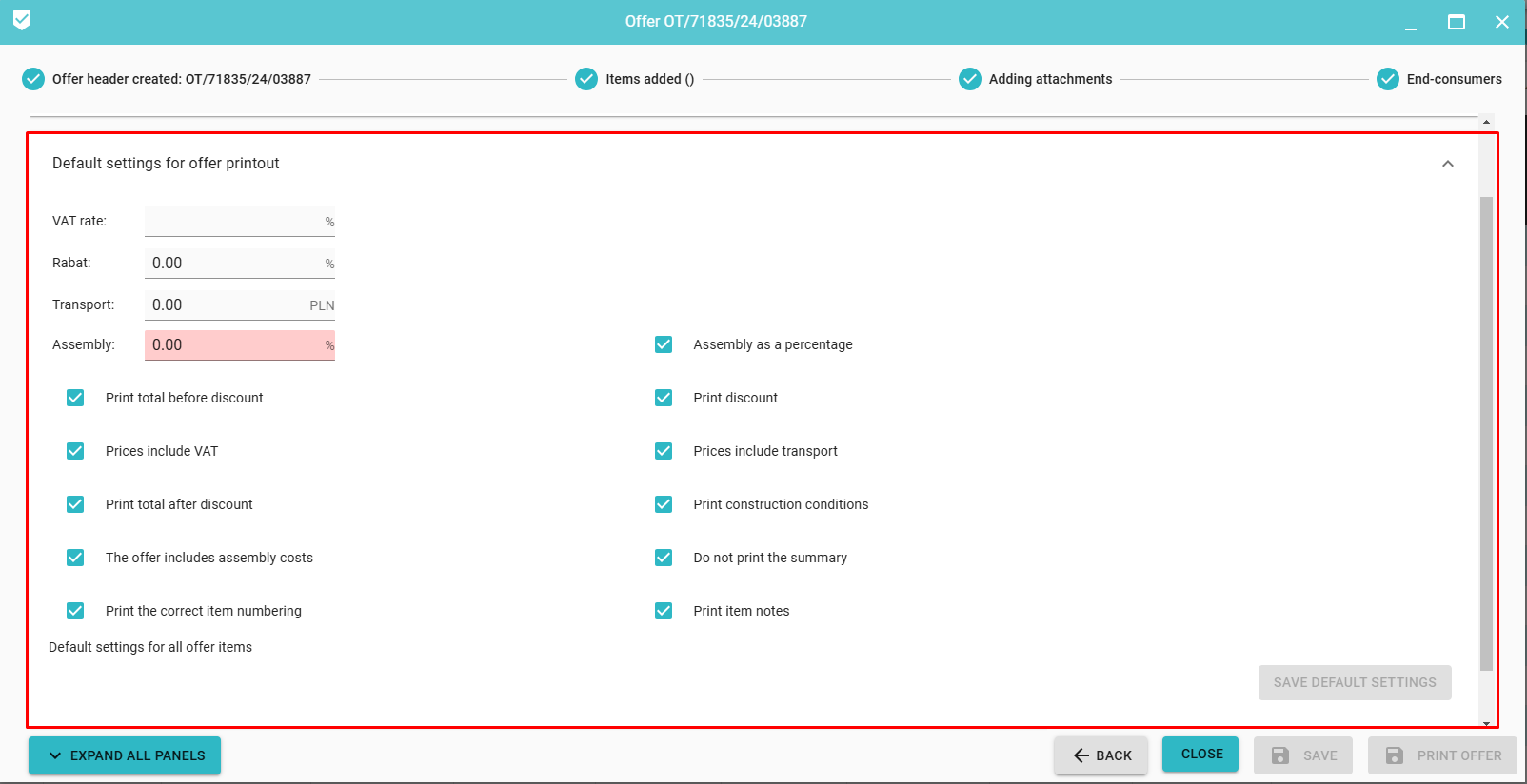
4. Settings for each item on the offer
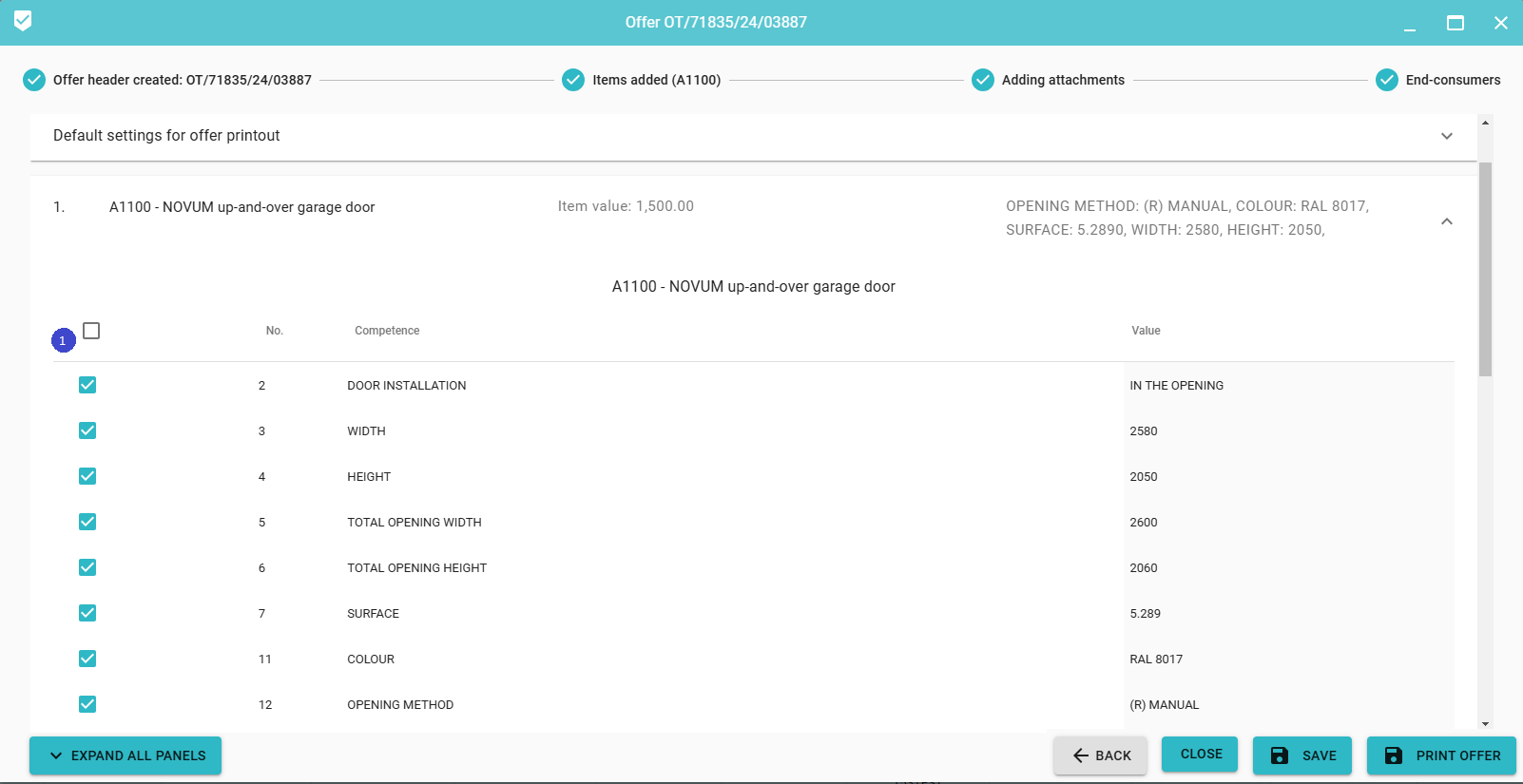
What properties of the item to appear on the printout (1) (by checking or unchecking the checkbox next to the property name).
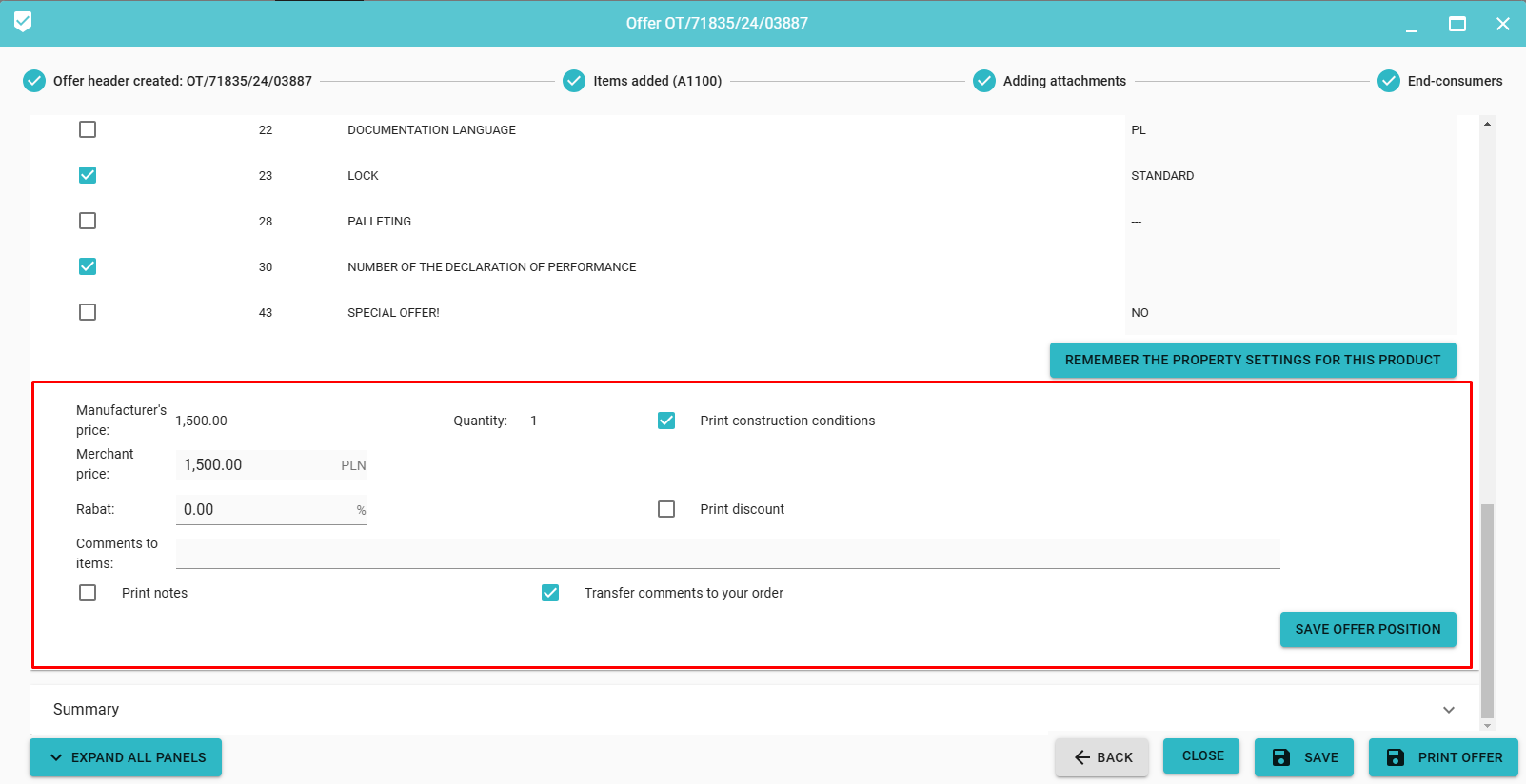
5. Setting price information, VAT rate, discount, assembly, remarks for a selected offer item with information whether it is to appear on the printout of the offer as a separate element of the summary, and whether building conditions are to be printed for the given item (if available). In addition, it is possible to indicate whether the item notes are to be transferred to the order
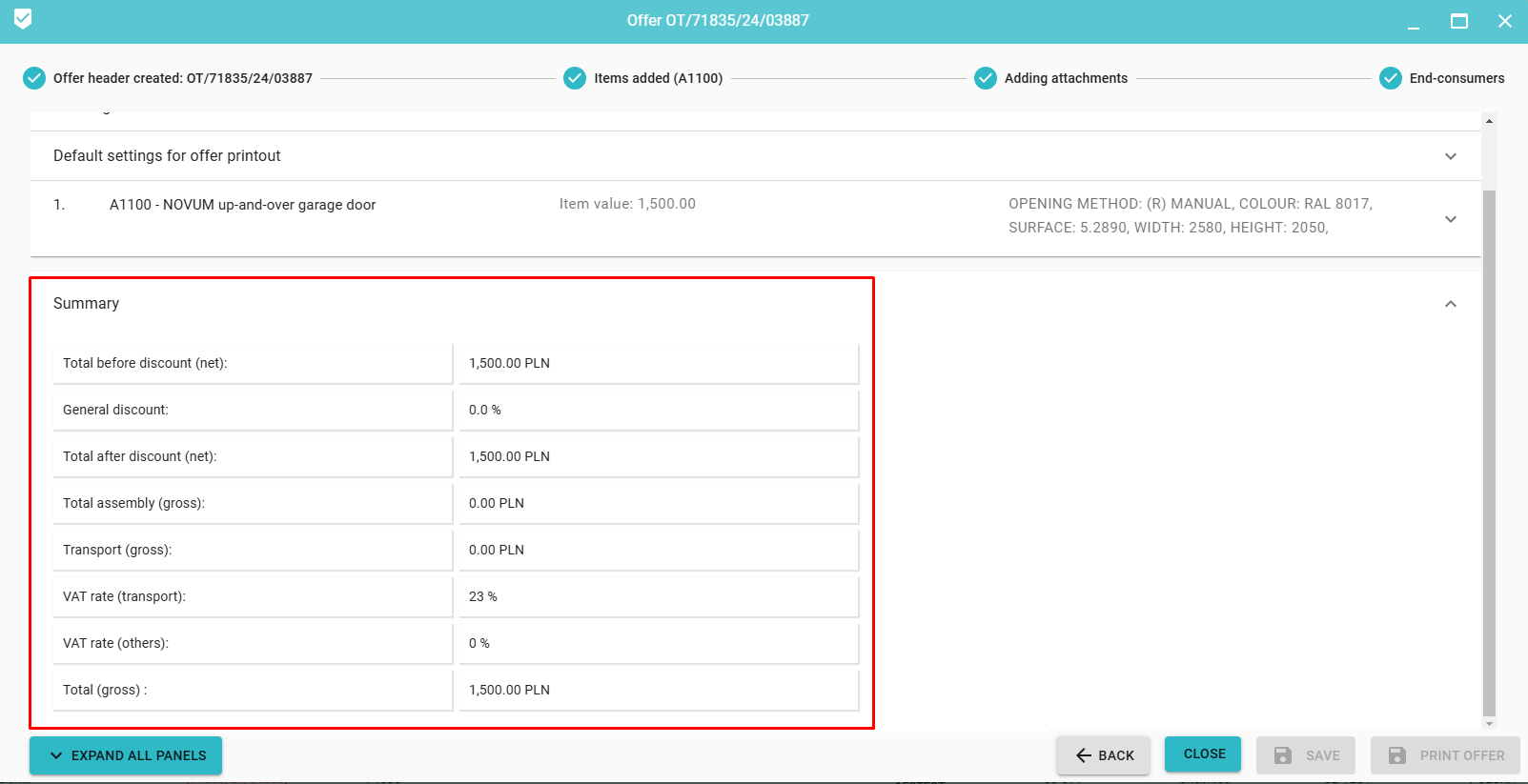
6. Summary includes a list of the above-mentioned amounts and total costs