Each logged in user has access to the basic settings of his profile and offer printout settings.
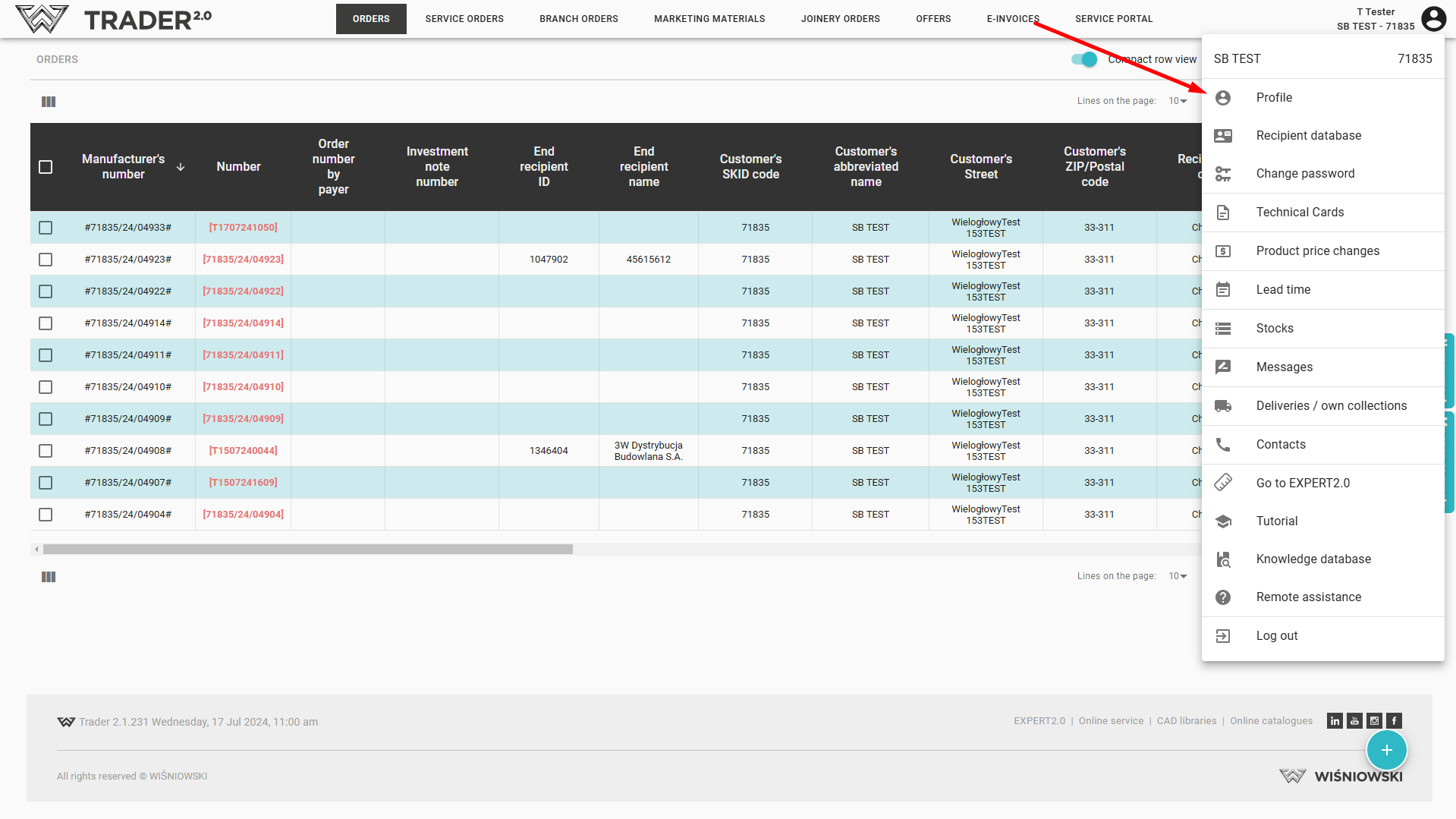
Some of the settings are in read-only mode. Part is possible to change on the side of the logged-in user.
The settings that can be changed are:
- Interface language - the list of available languages depends on the settings for a particular customer,
- Language for missing descriptions,
- Customer - if a given user has access to orders of several companies,
- Default delivery warehouse for a given customer
- Units of measures on properties-uclick to display property values for imperial units
- Light mode - application interface color light or dark,
- Show all product properties- whether all properties of the entered product are visible at once when entering an order.
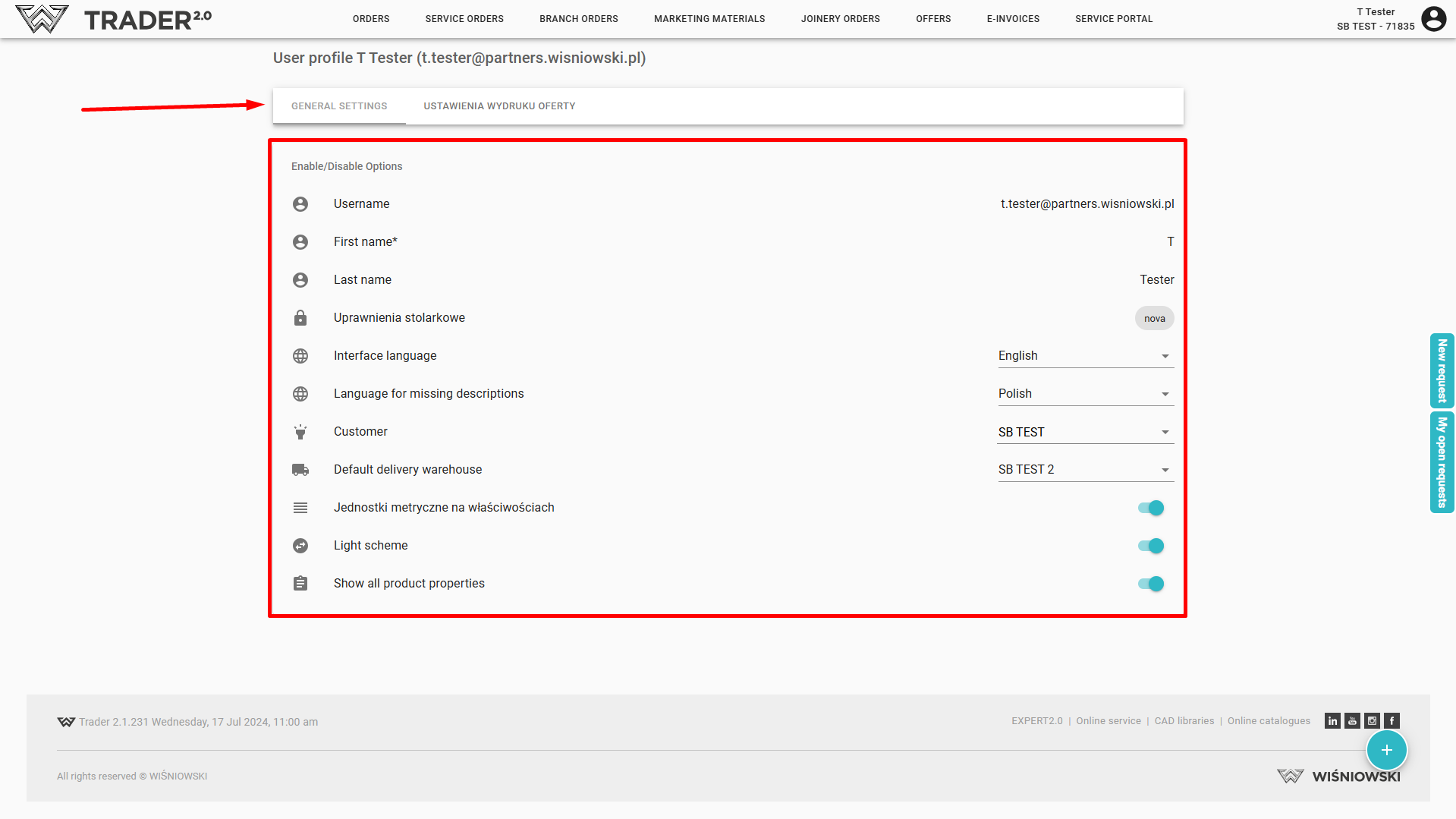
Offer printout details should be configured in the tab OFFER PRINTOUT SETTINGS
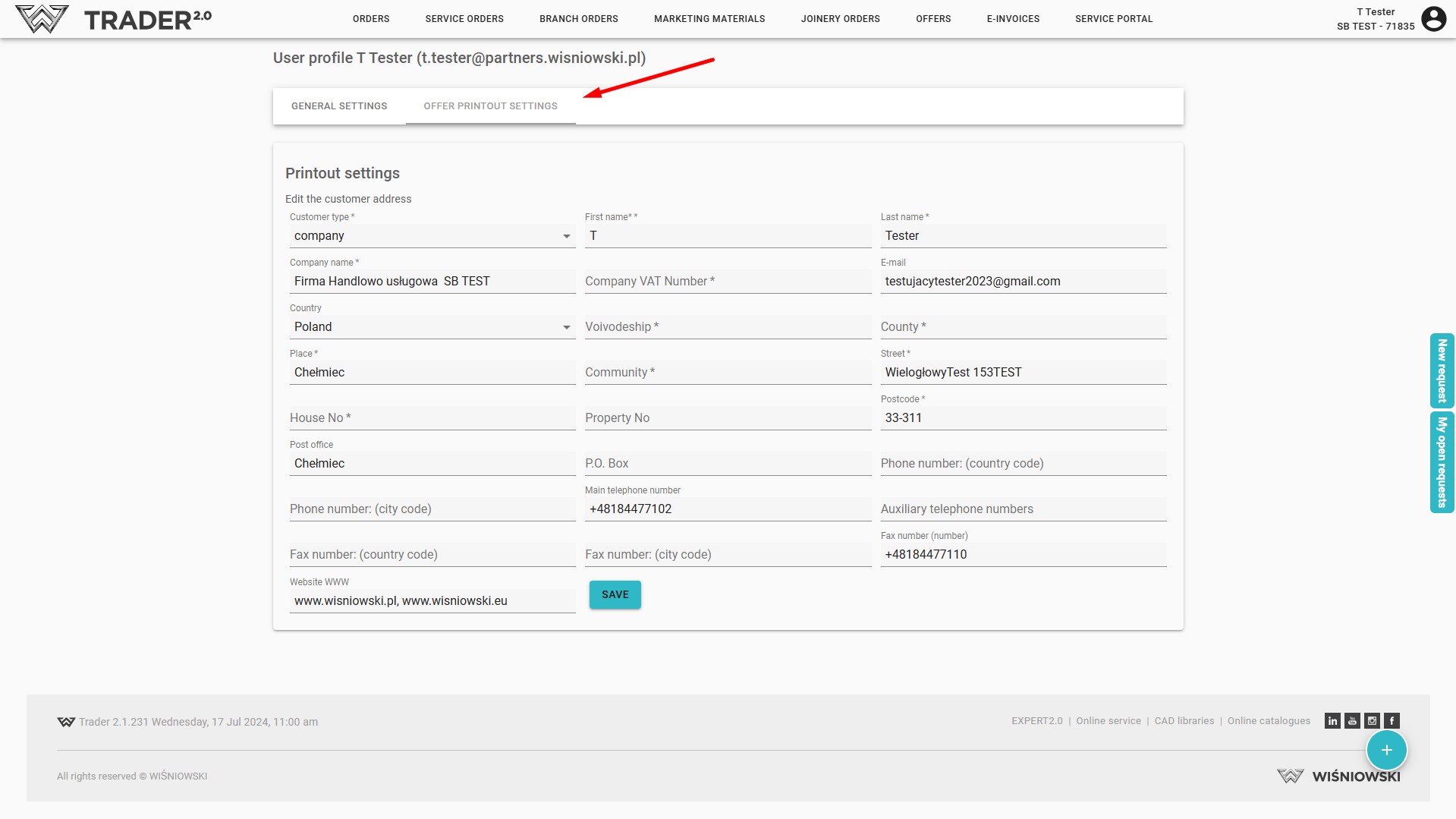
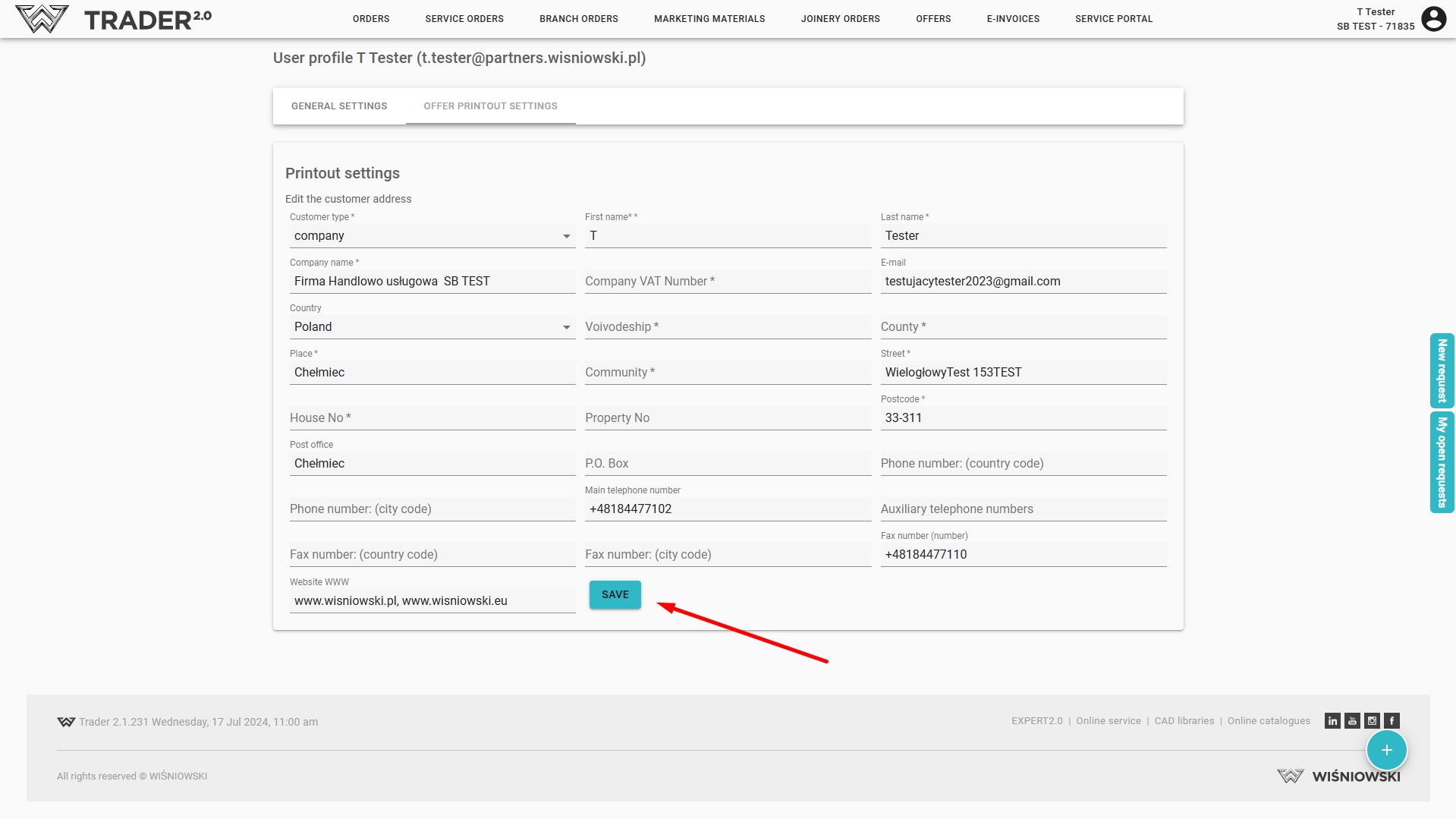
The changes should be completed by saving the data.
Attention!!!
You must create and print at least one quotation before setting up the data for the first time!