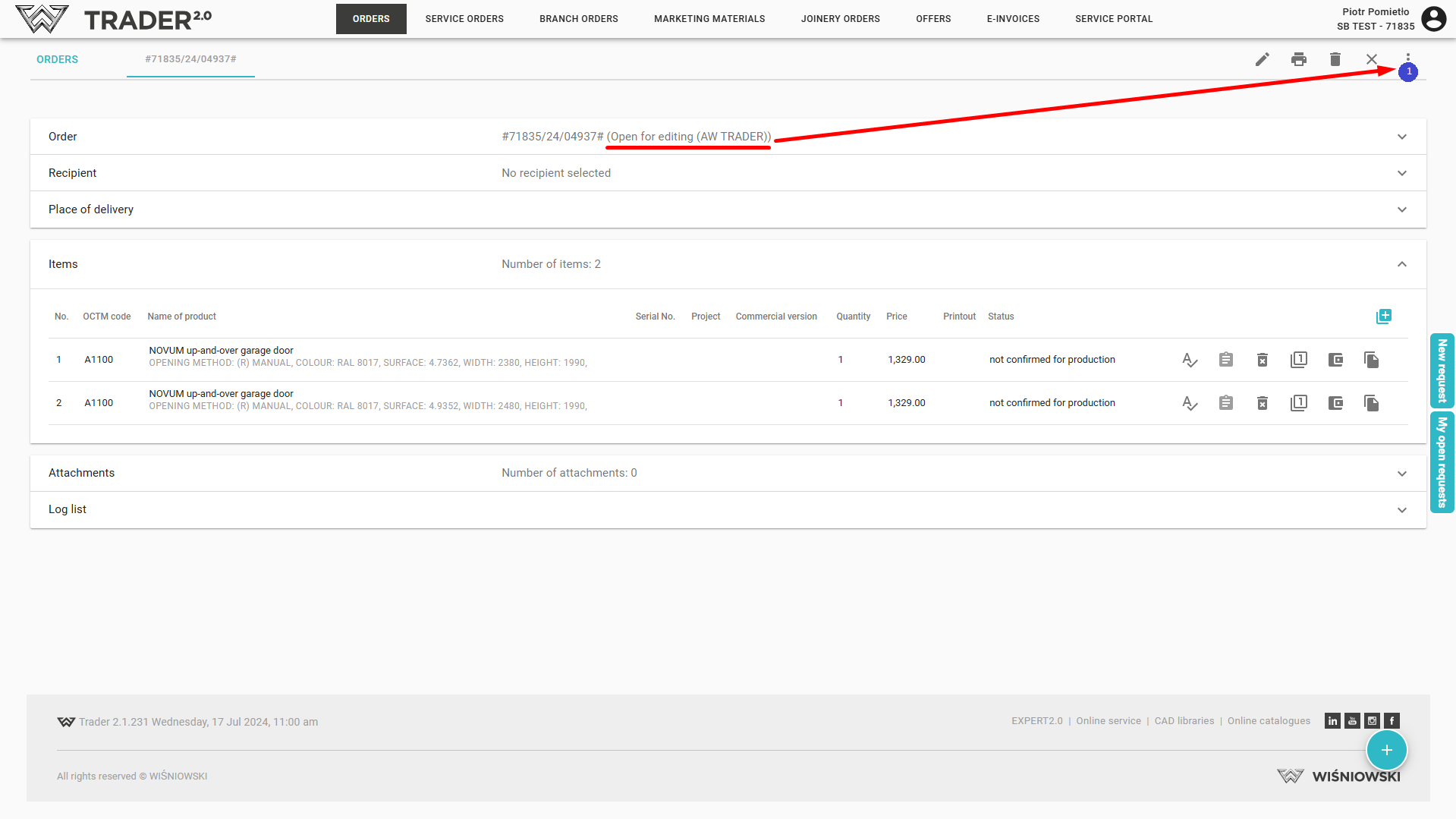
To send an order, open the order and in the top right corner click on the status change icon  (1).
(1).
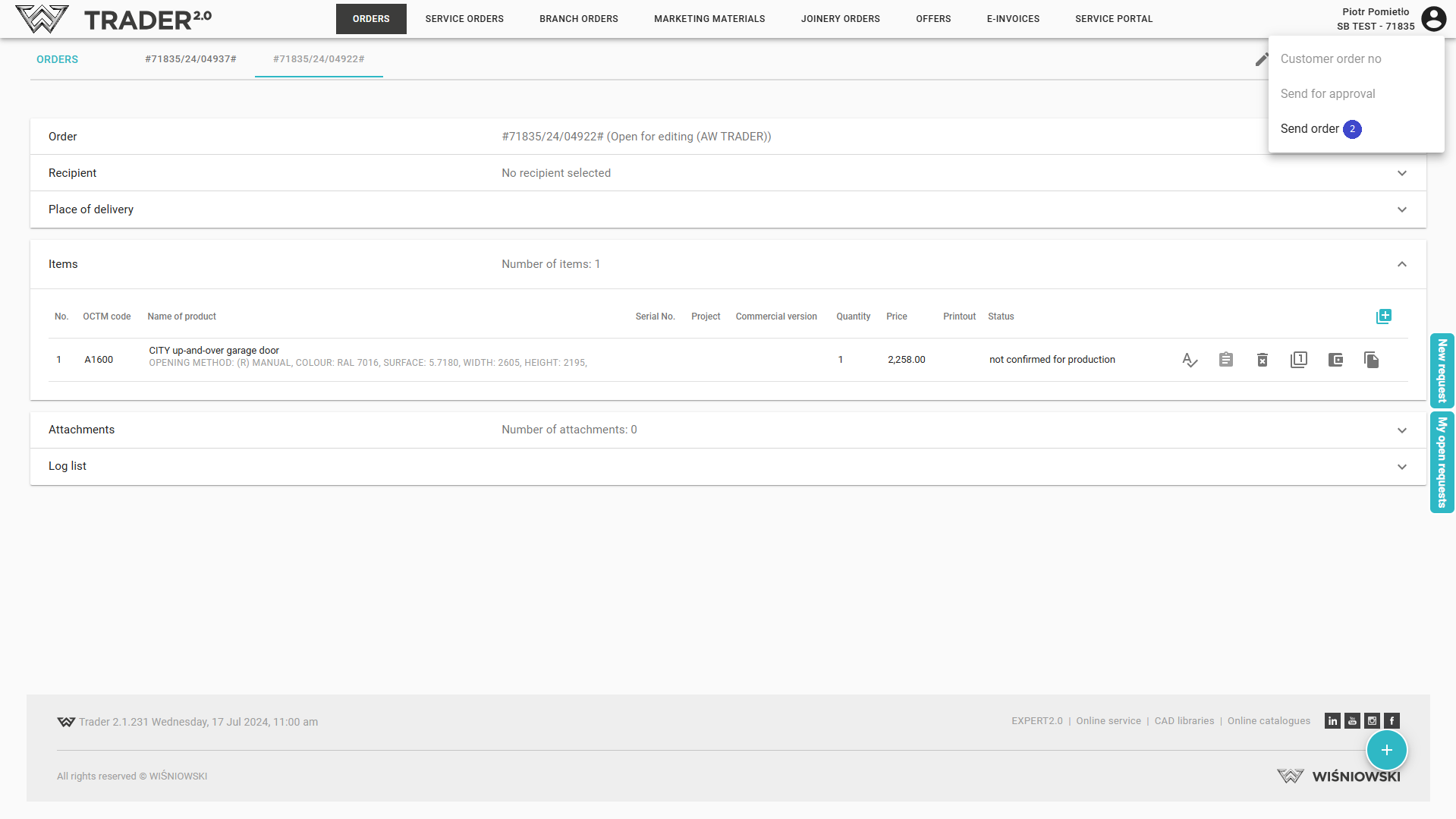
Select the action to be performed, e.g. Send order (2).
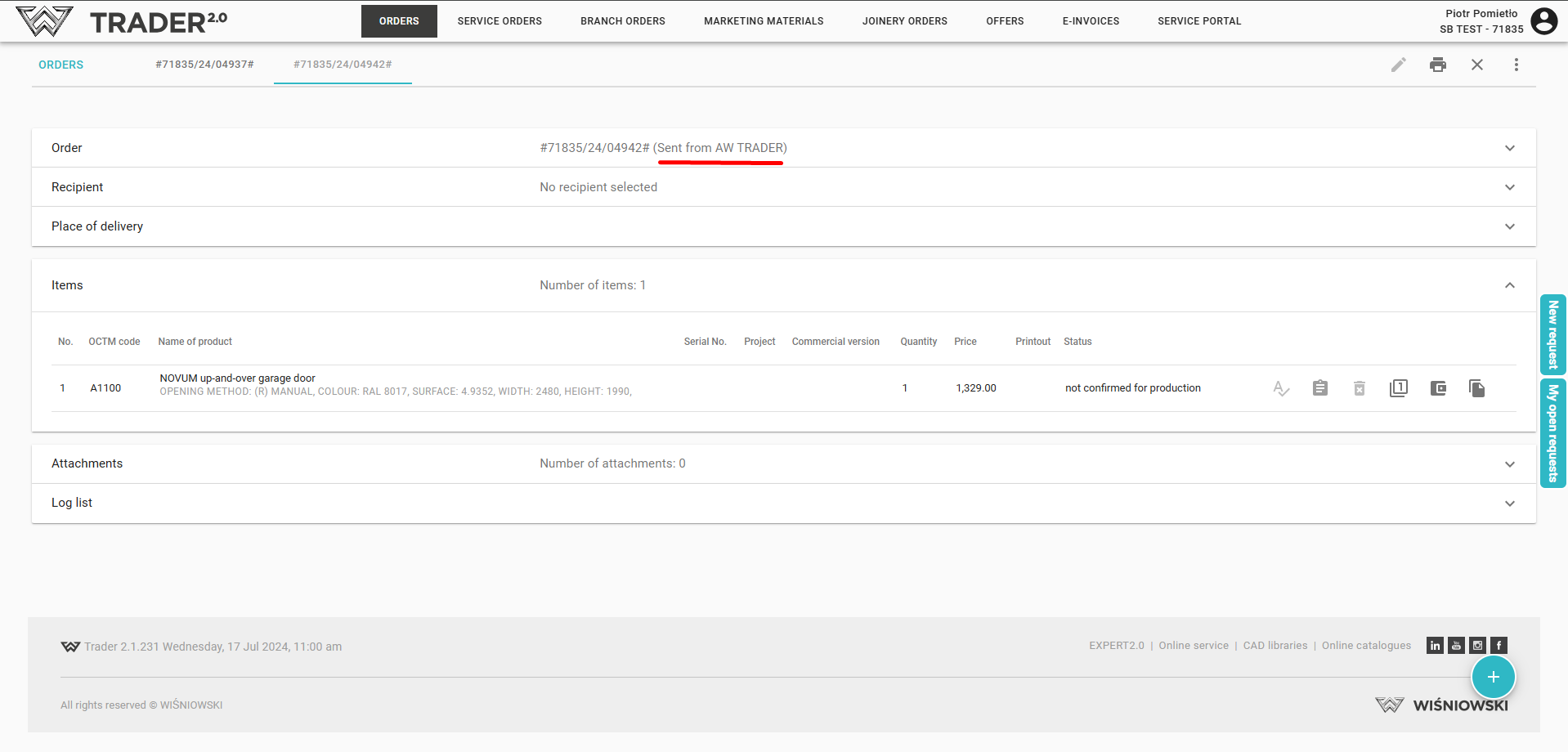
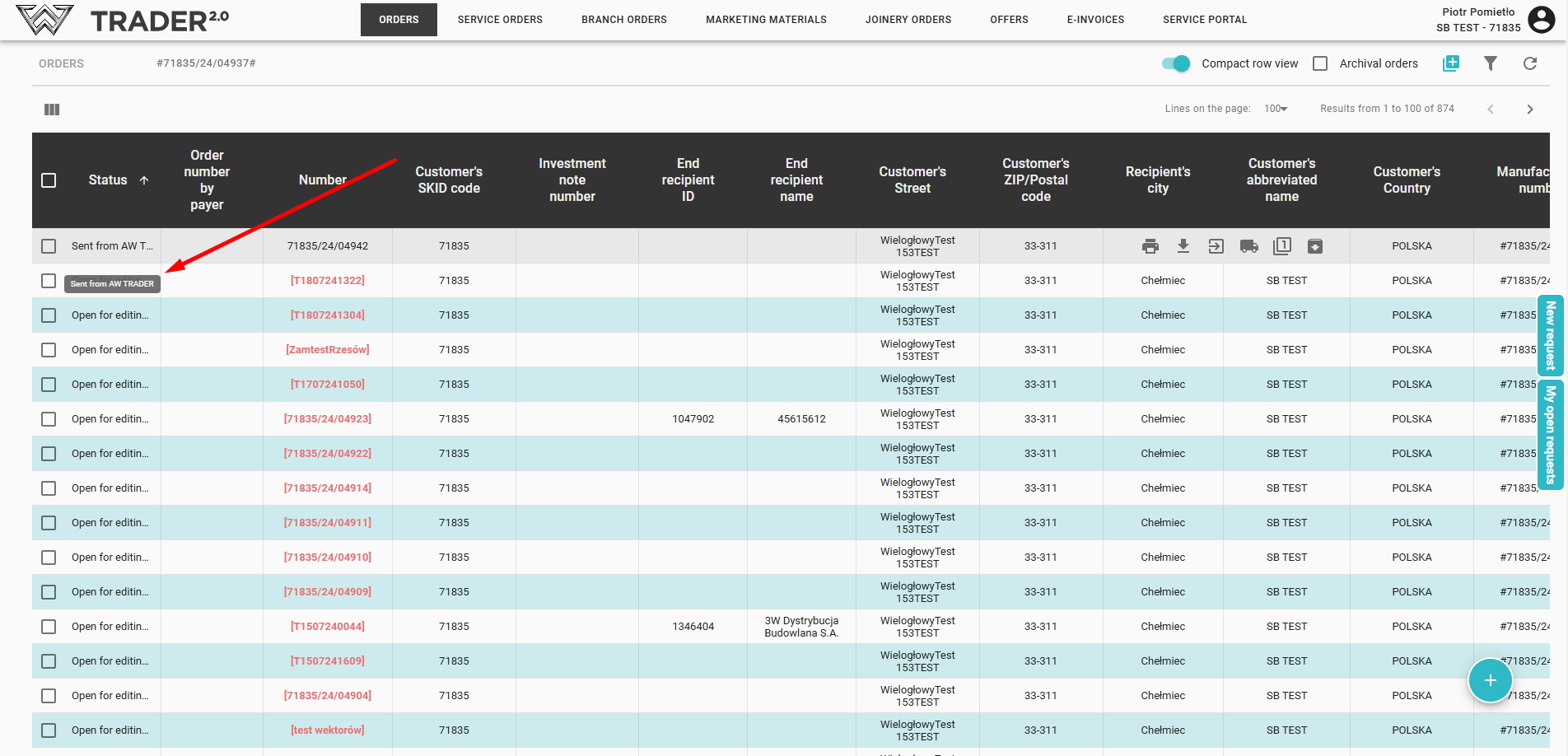
After refreshing the order list, the order status will be changed to Sent from AW TRADER.
To send an order, open the order and in the top right corner click on the status change icon (1).
Select the action to be performed, e.g. Send order (2).
After refreshing the order list, the order status will be changed to Sent from AW TRADER.