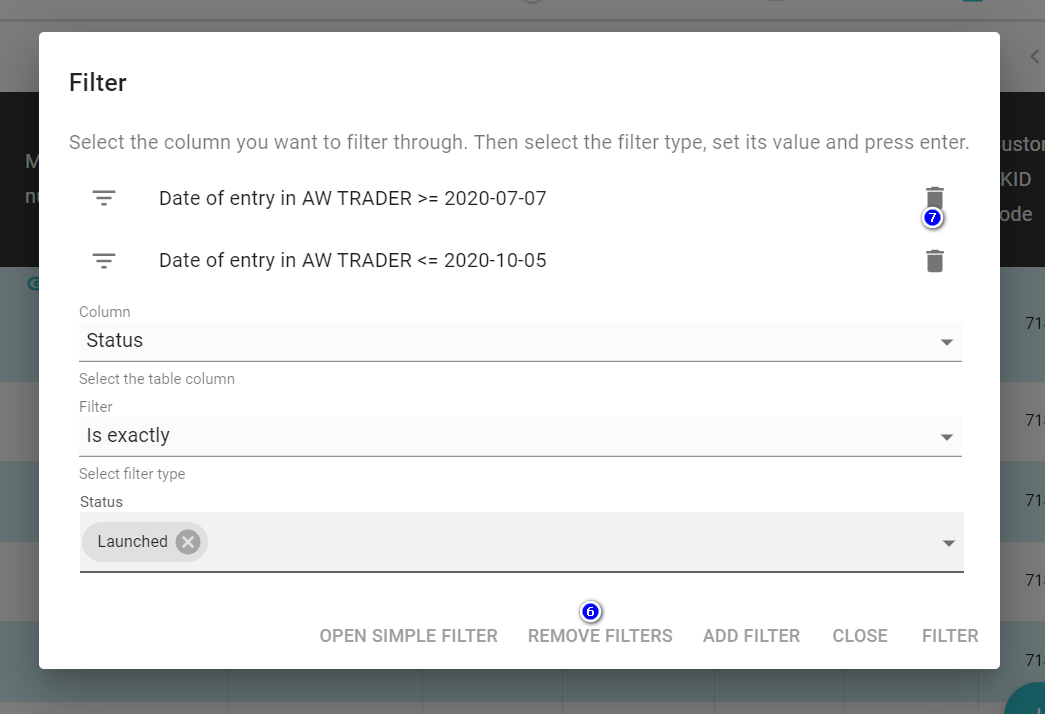
The list of orders, service orders, quotations, branch orders, marketing materials and the list of invoices can be customized in a friendly way by using filters and sorting by any displayed column.
- Sorting - arrange all displayed list items in the appropriate ascending or descending order.
Displayed list of orders or offers can be sorted by any column. Just move your mouse over the column header(1) ( it will appear tooltip Sort (2)) and click on the column name. It will automatically sort by the given column.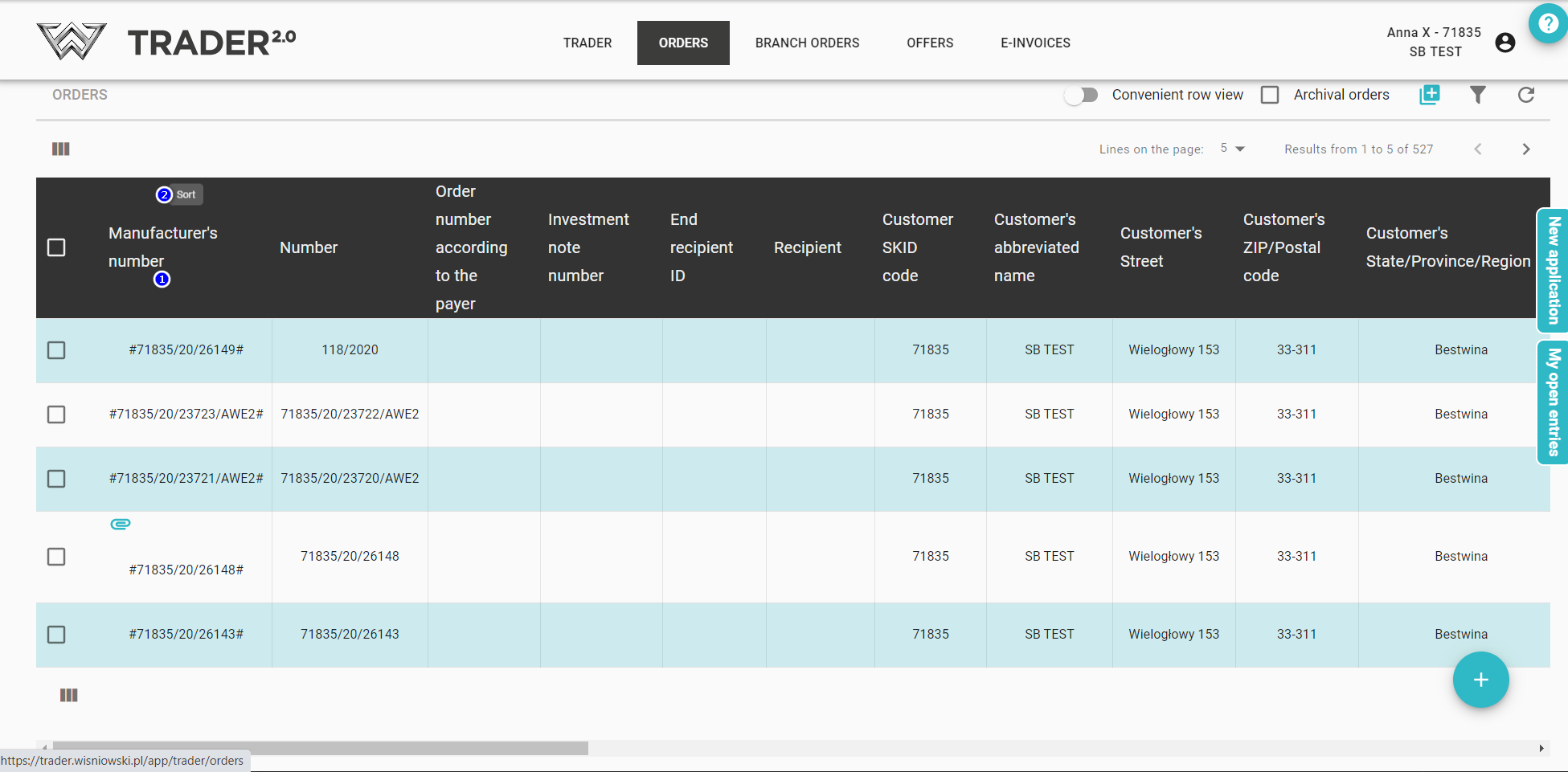
The direction of the arrow indicates whether the sort is ascending or descending.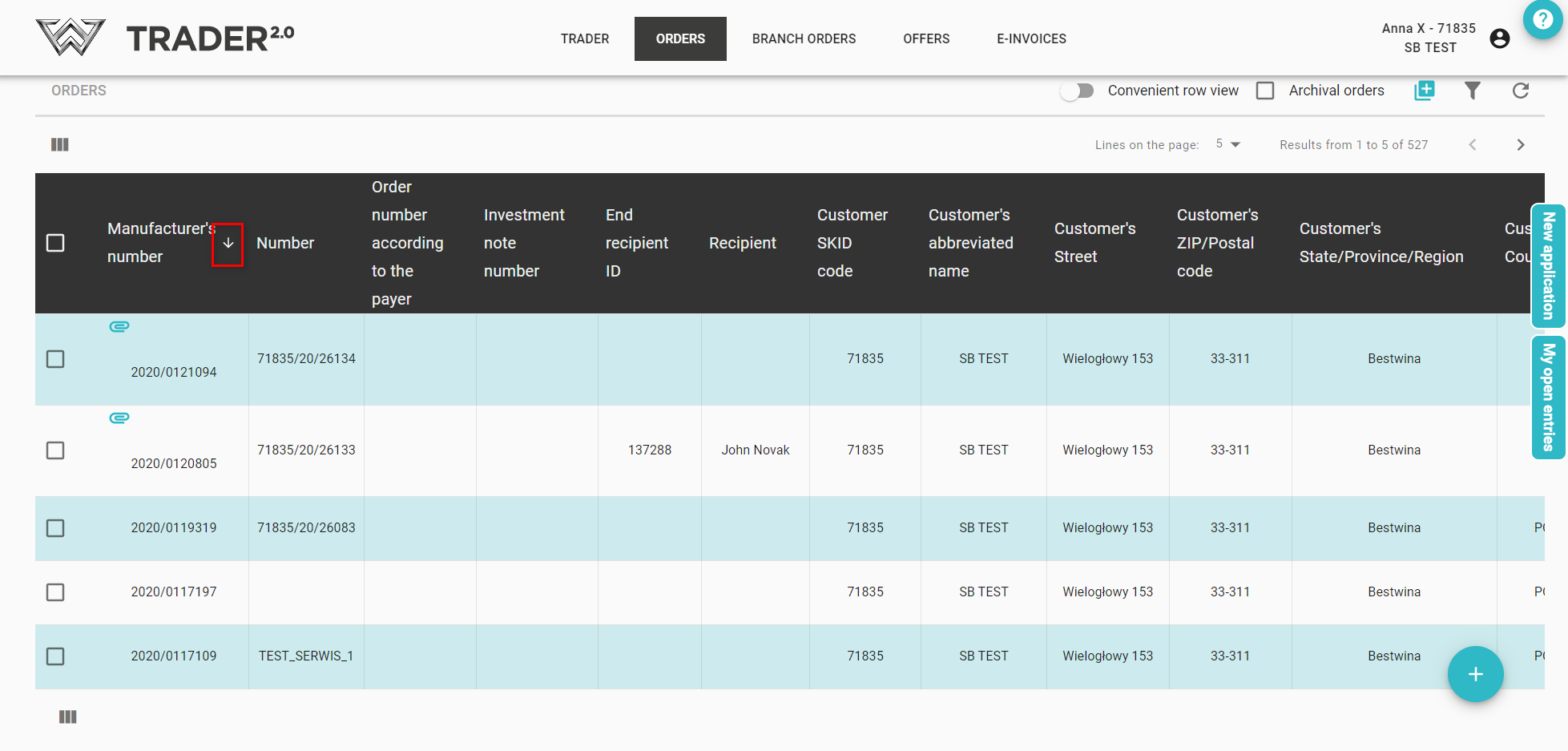
Sorting can only be done according to one selected column.
-
Filtering - selecting several list items that meet specific criteria.
To filter several orders with specific parameters, click the icon in the upper right corner of the order list (3).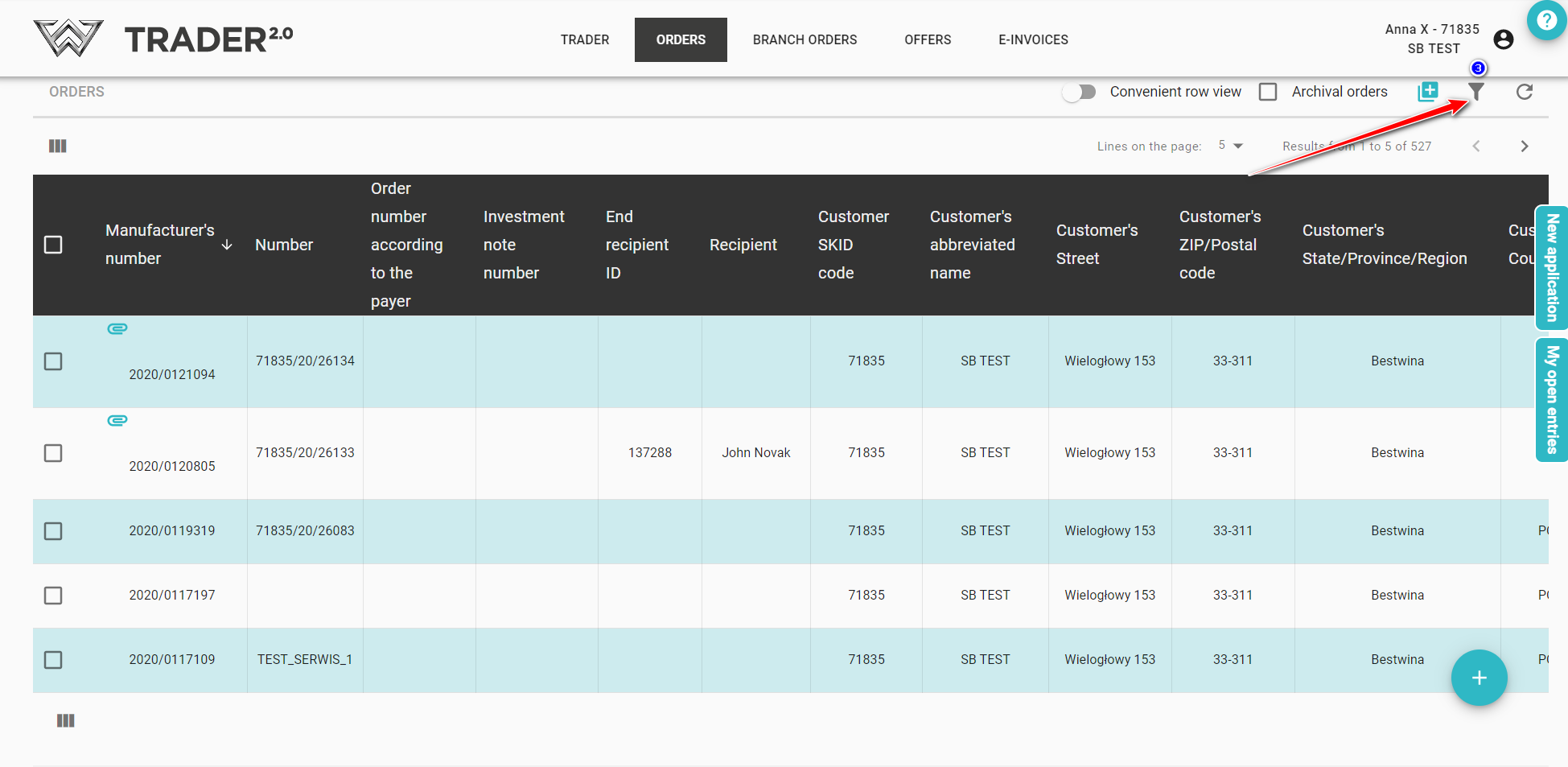
The Basic Filter window will be displayed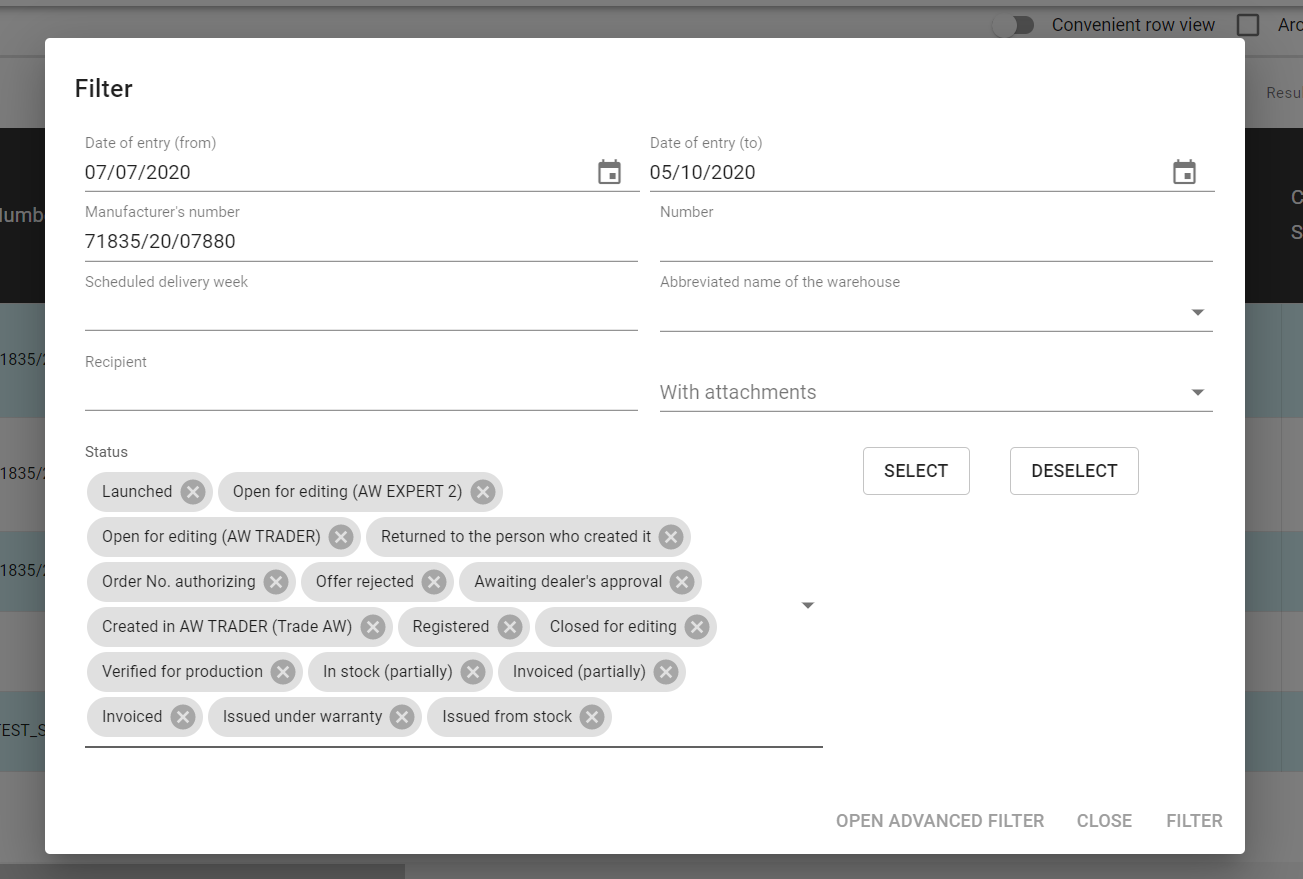
We can filter by:
- date of entry (from)
- date of entry (to)
- manufacturer's number
- customer order number
- planned week of delivery
- abbreviated name of the warehouse
- recipient
- after orders from other programs (possibility to choose: AW Expert, AW Expert 2)
- attachment held
- status of the order (possibility to select/unselect all statuses or select from the list)
You can also set up advanced filters.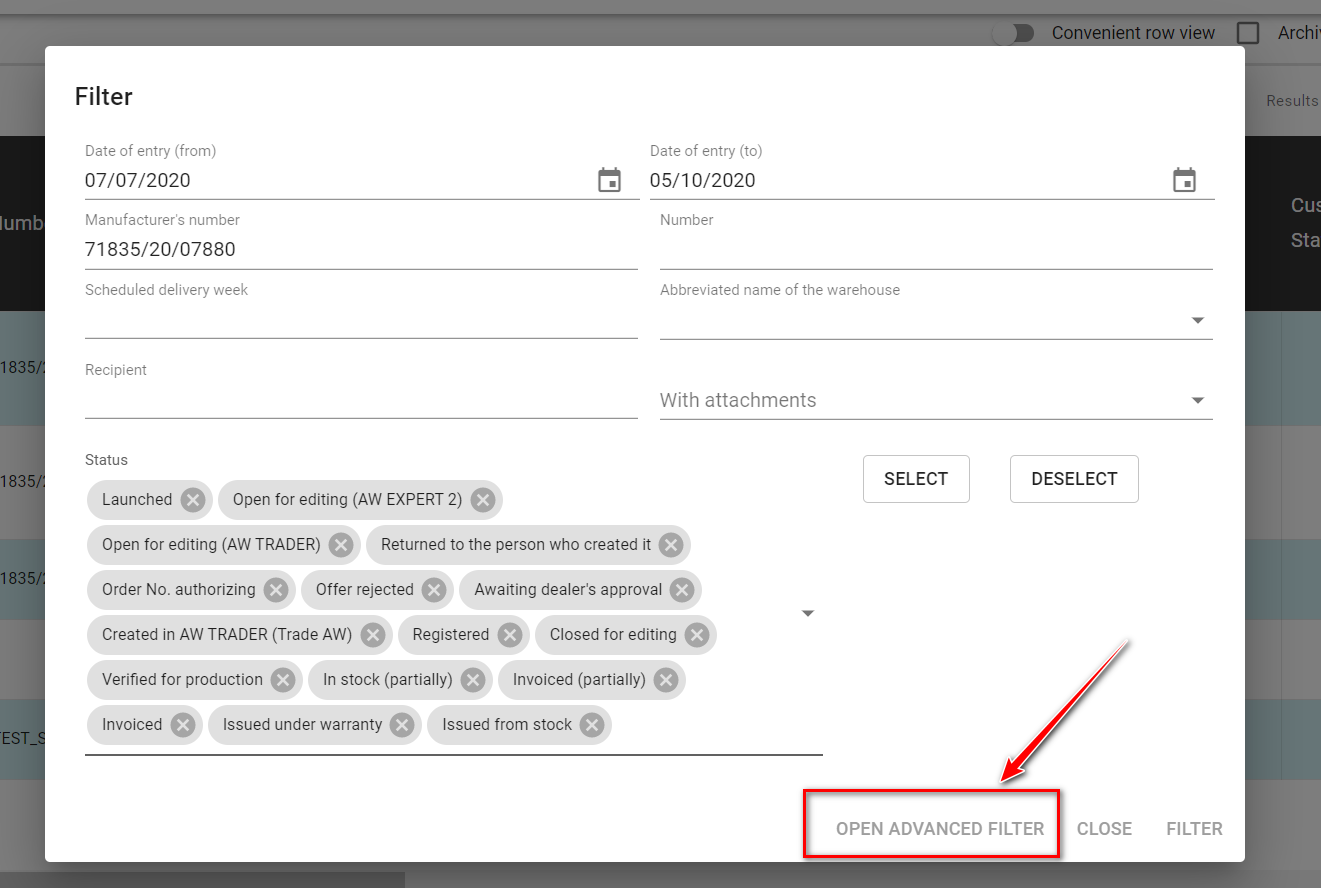
Advanced filter allows you to filter by the selected column.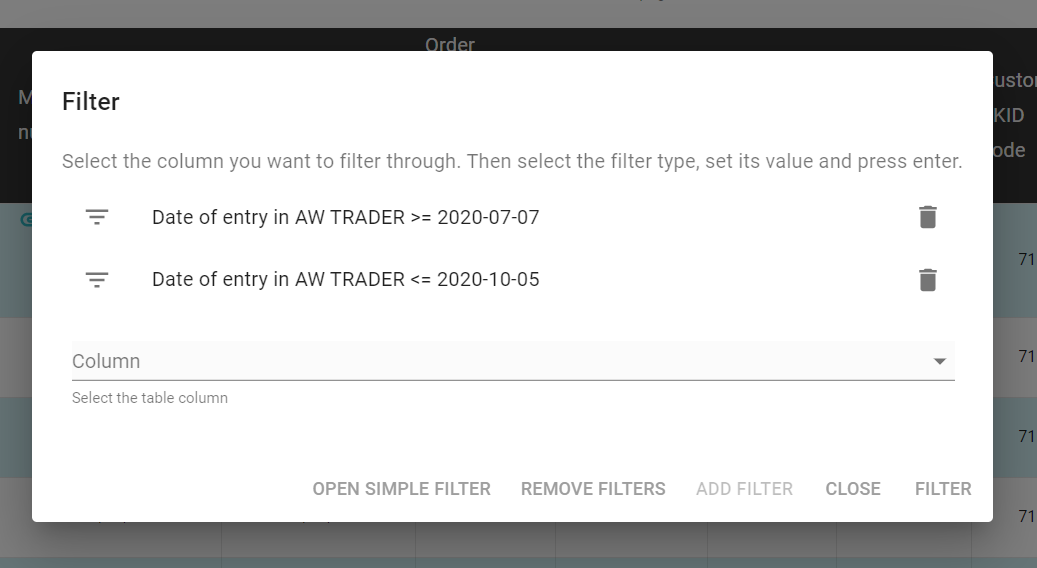
Filter is activated by clicking ADD FILTER (4) and next FILTER (5)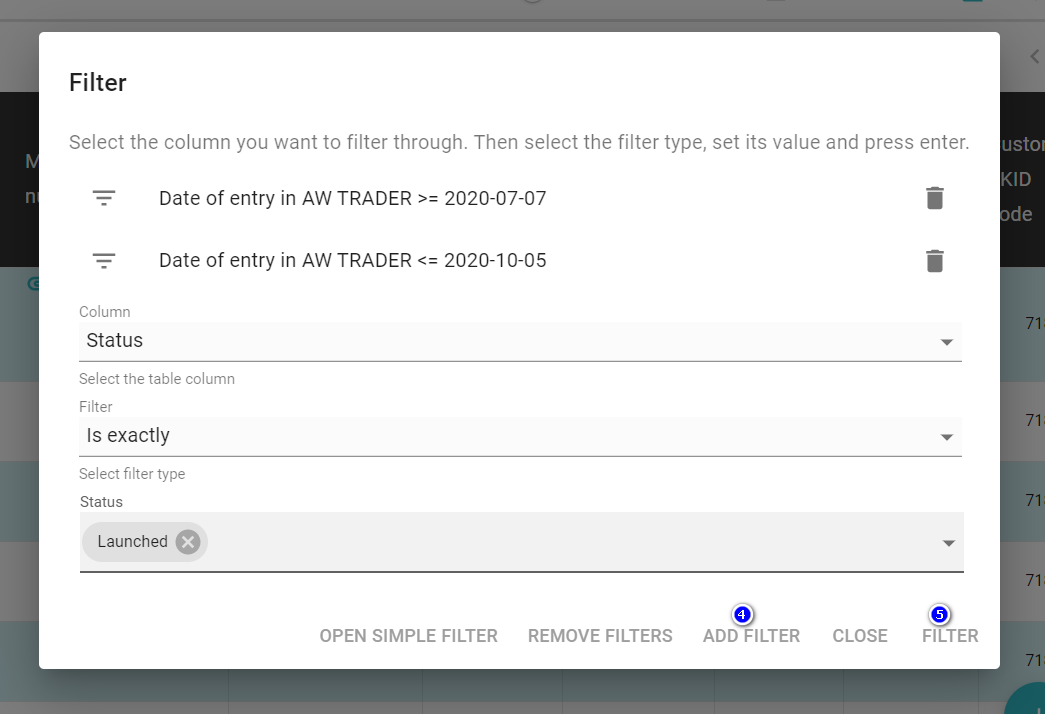
Remove the filter by clicking REMOVE FILTERS (6) or click icon (7)