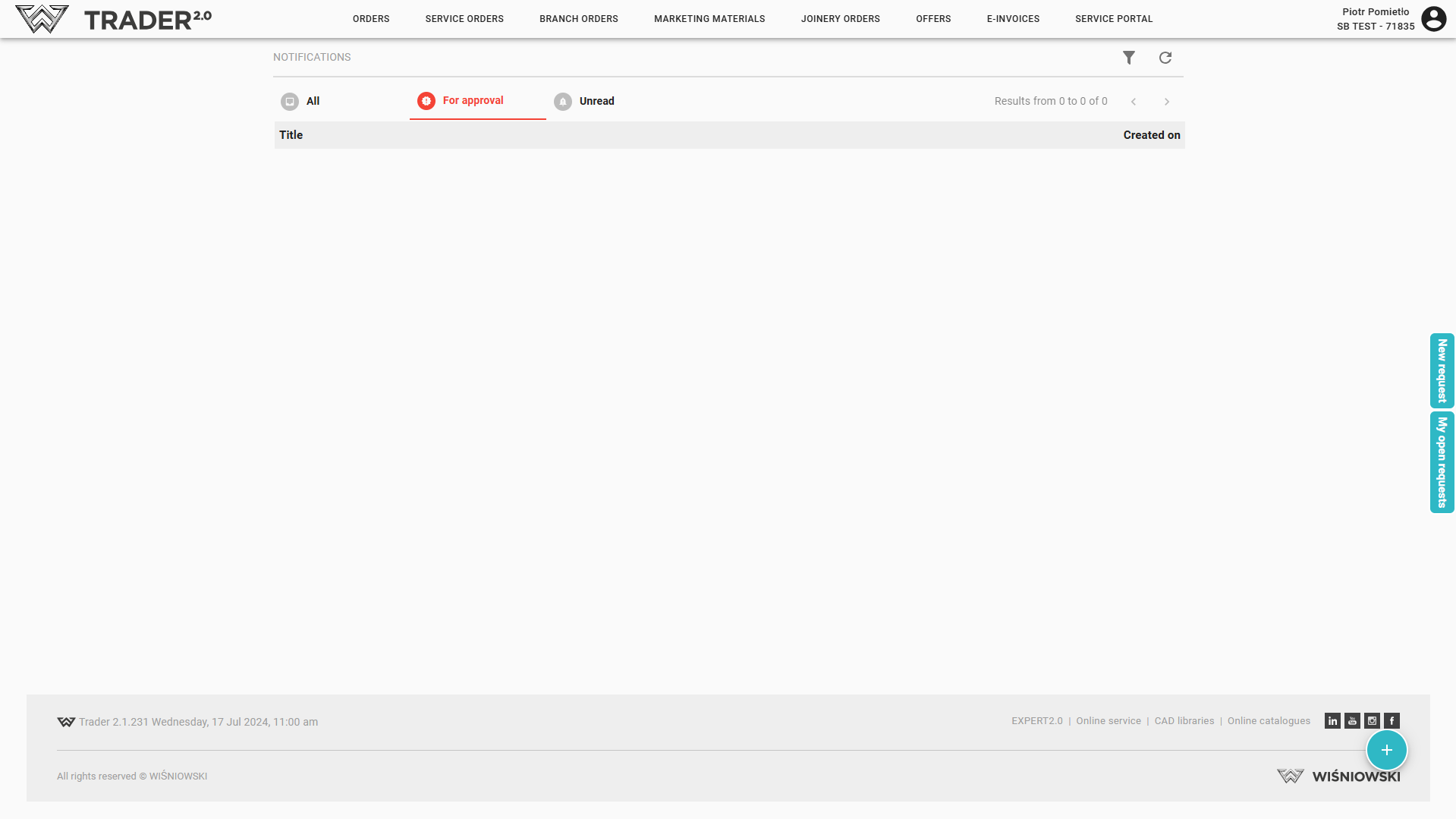
After login into AW TRADERA, on the main page the notifications posted by the Wiśniowski Company are displayed.
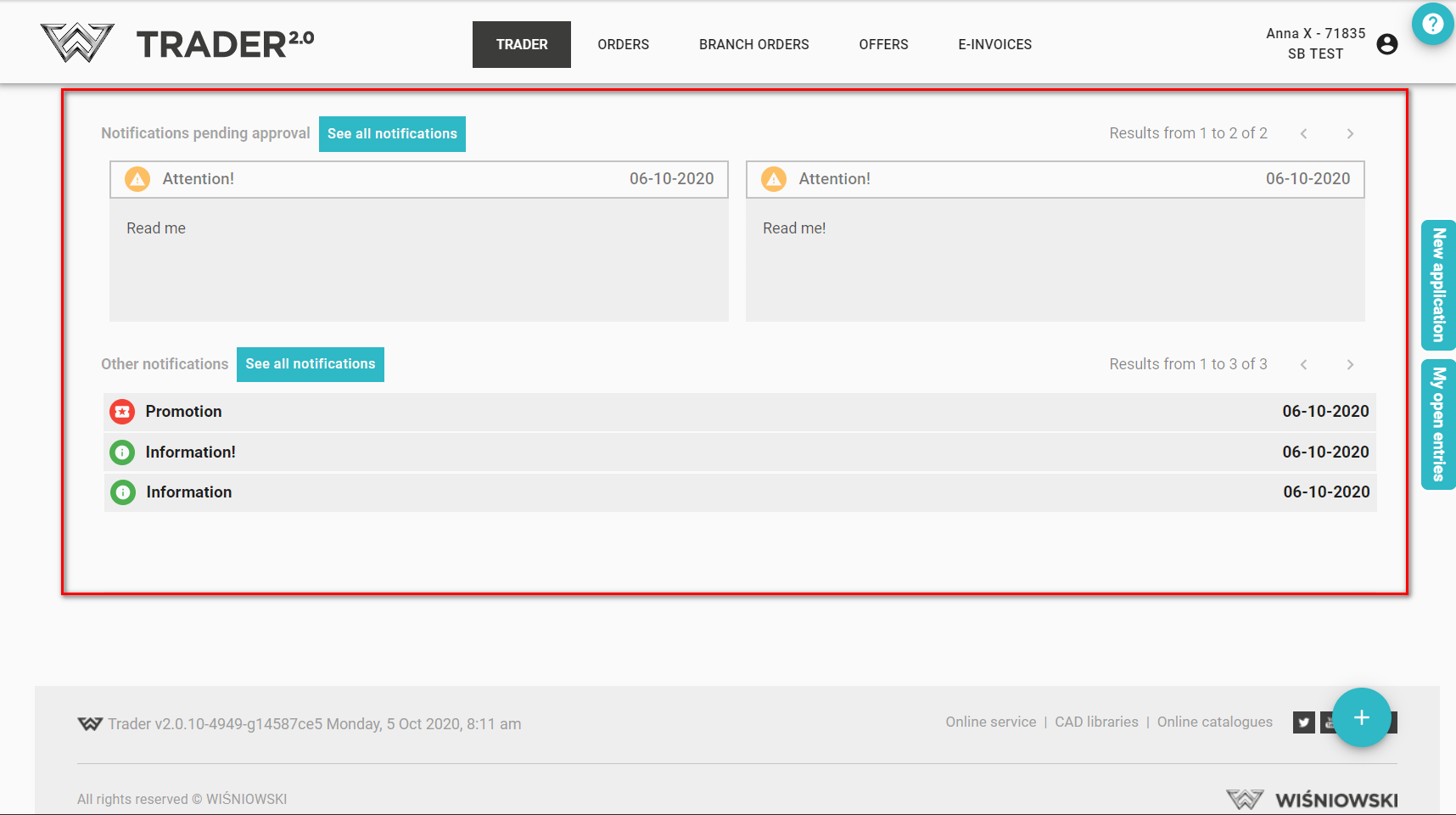
They are divided into two categories:
-
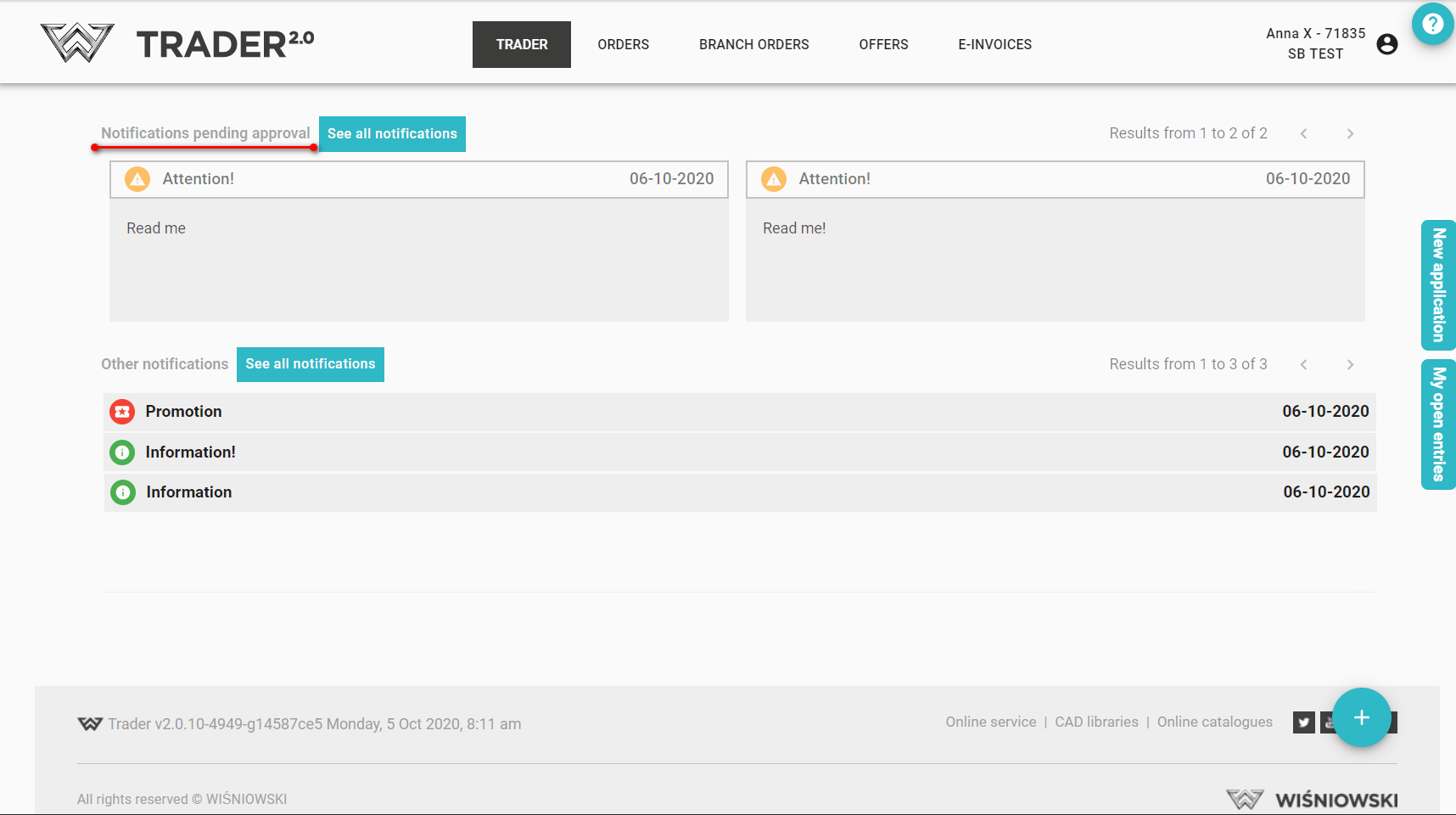
Notifications requiring approval.
-
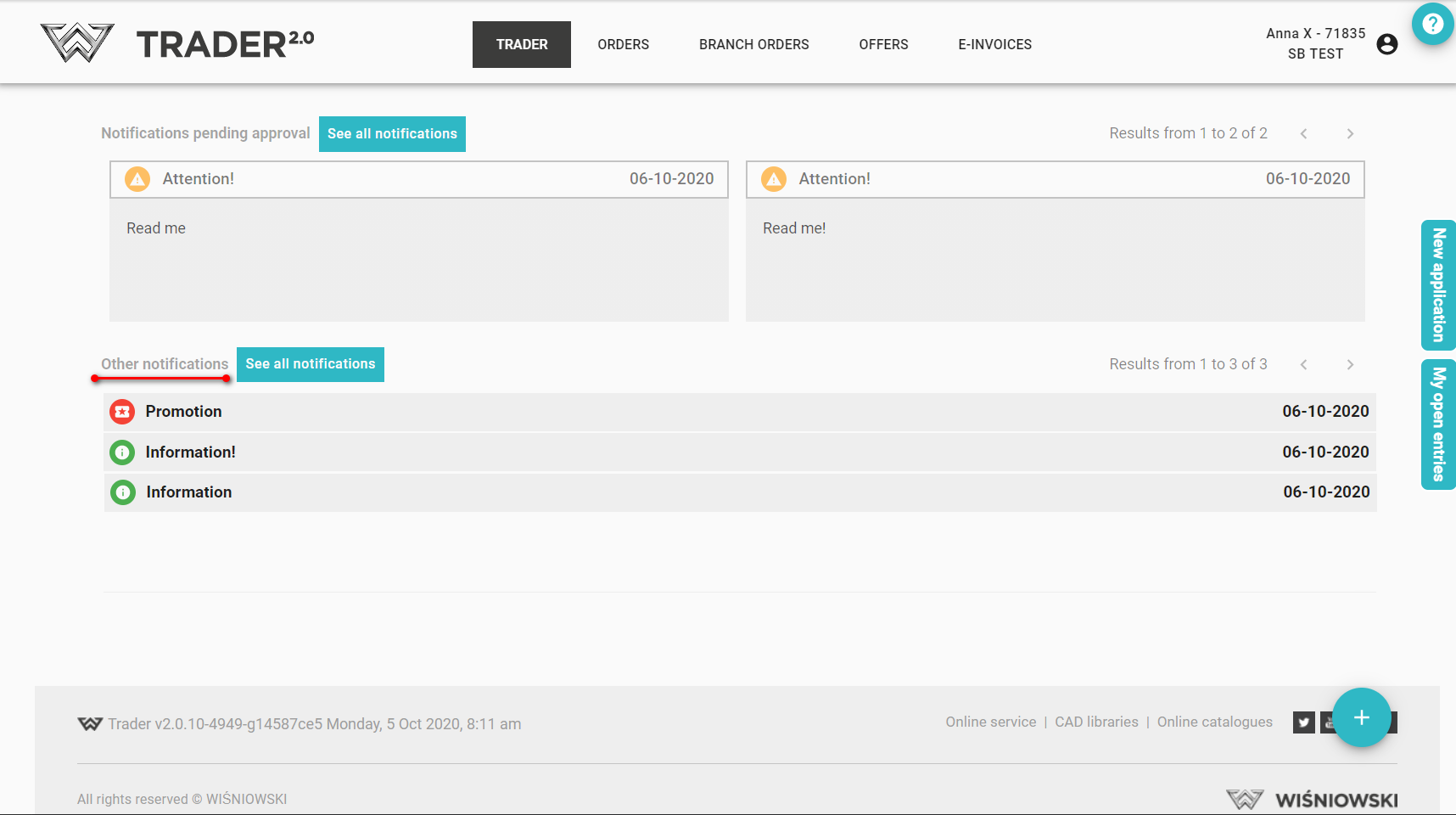
All other notifications.
Notifications requiring approval and not yet accepted are marked with additional information.
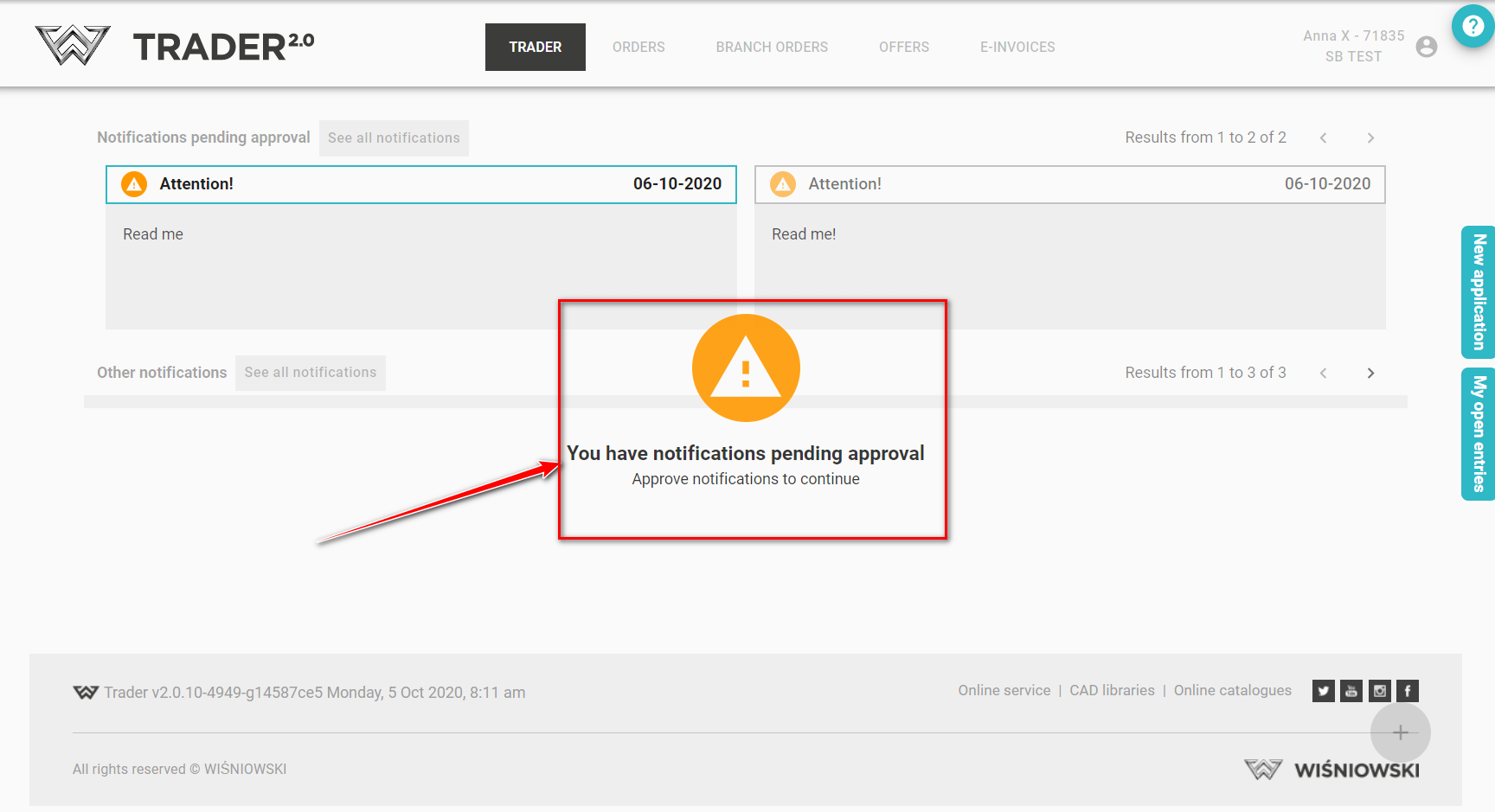
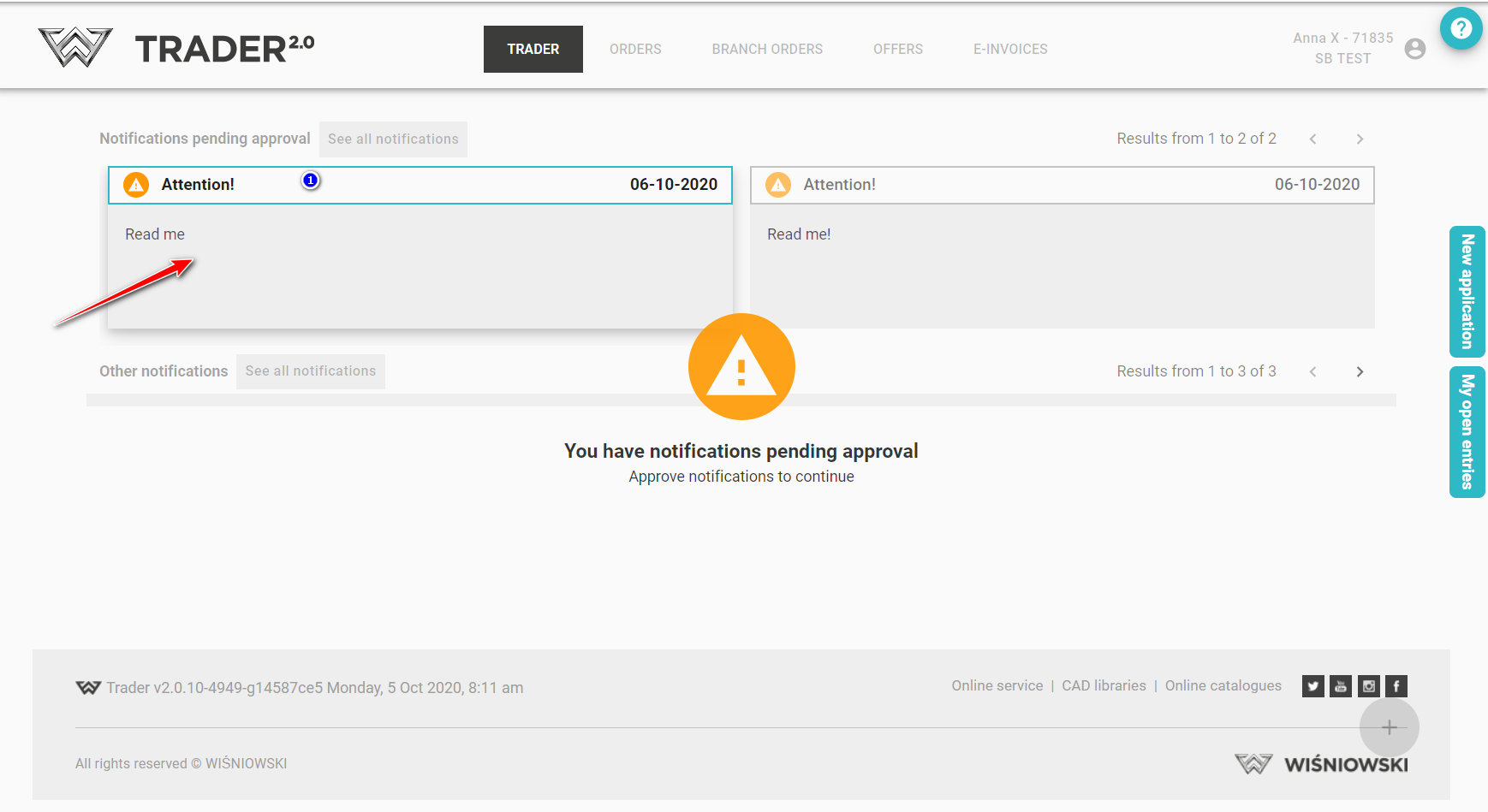
To approve the message, click on it.
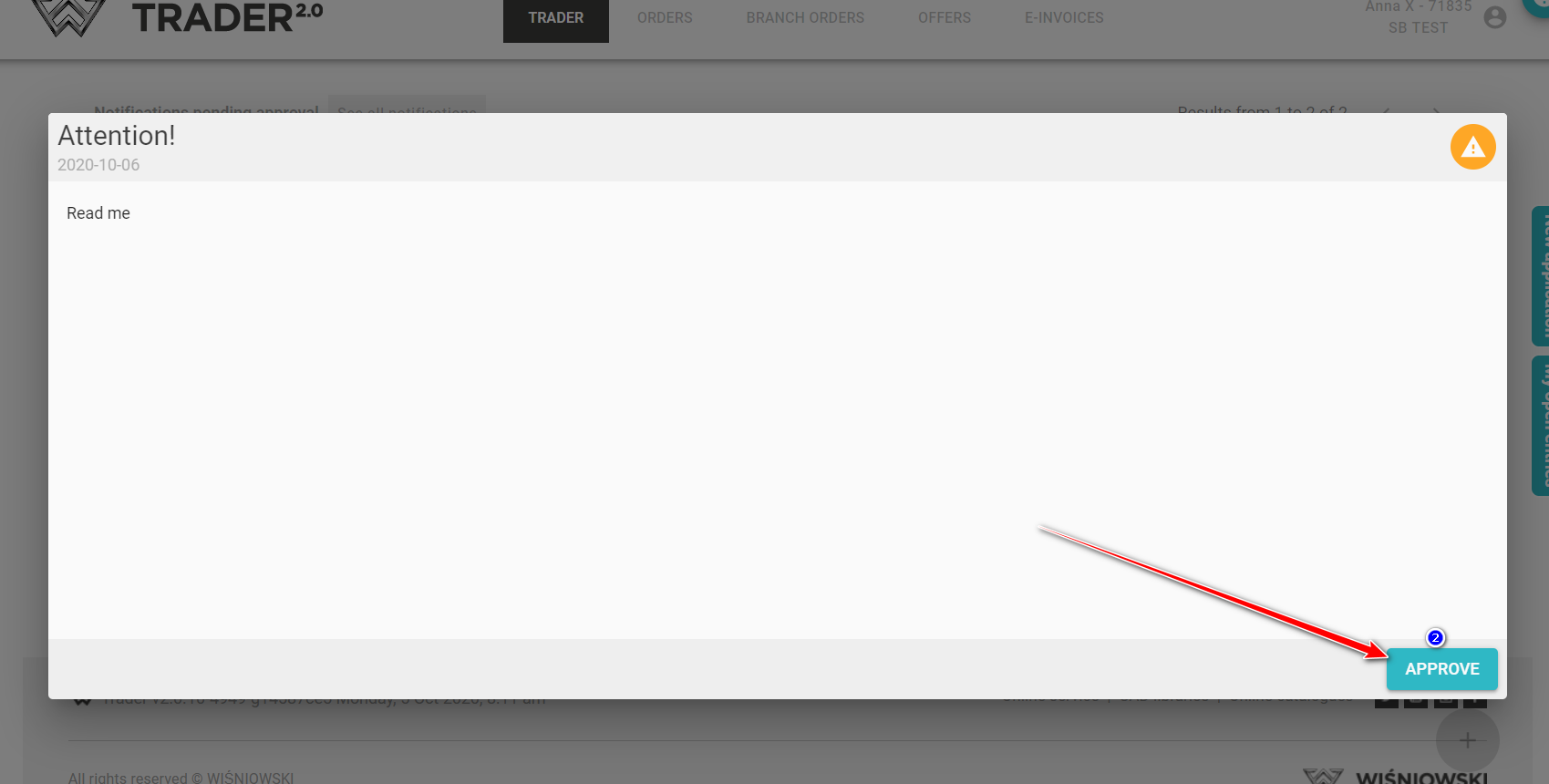
The message will open in a new window, click to APPROVE.
You can always read all received notifications. Go to the tab See all notifications
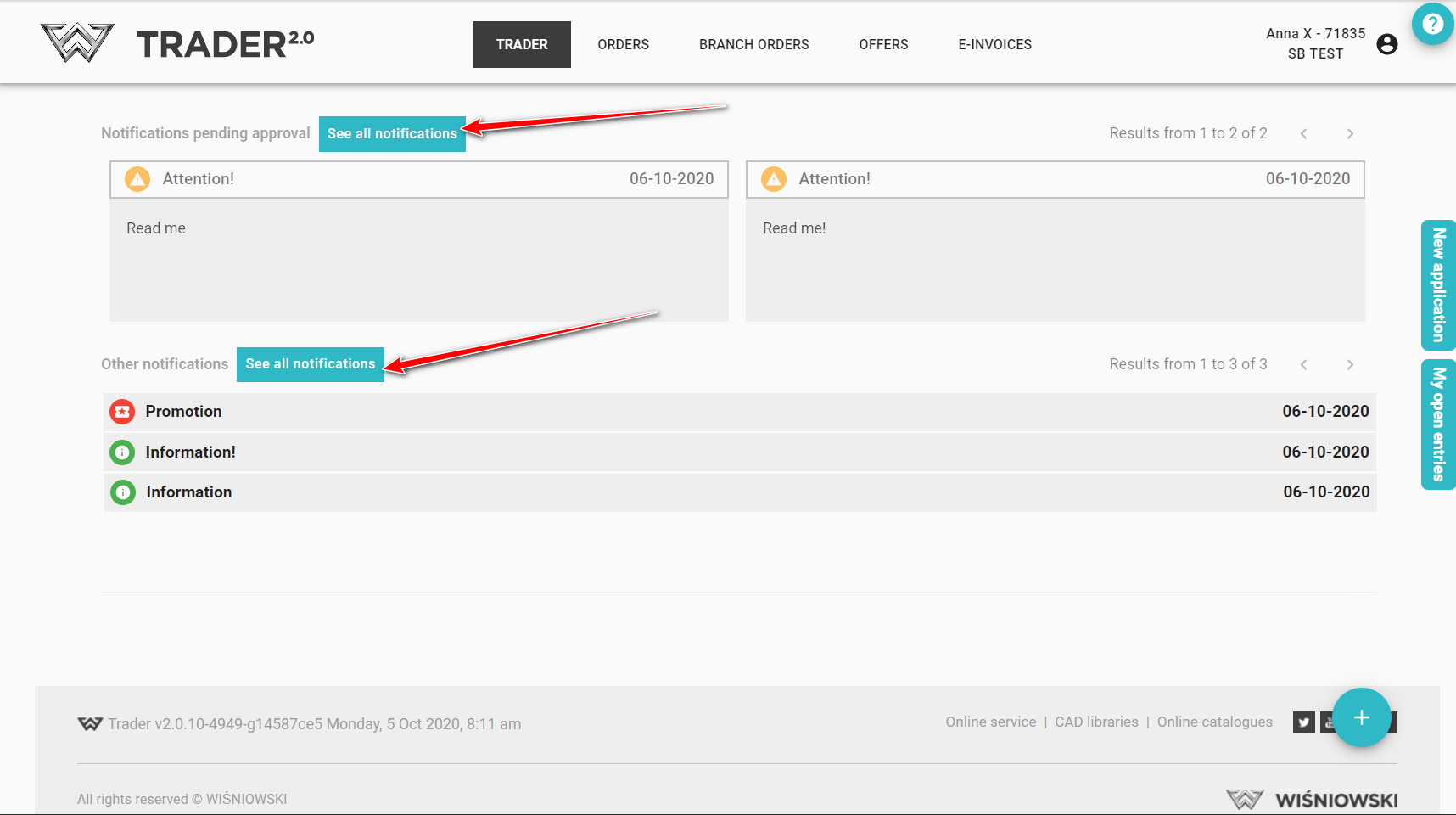
All notifications are gathered there, those for approval or unread.