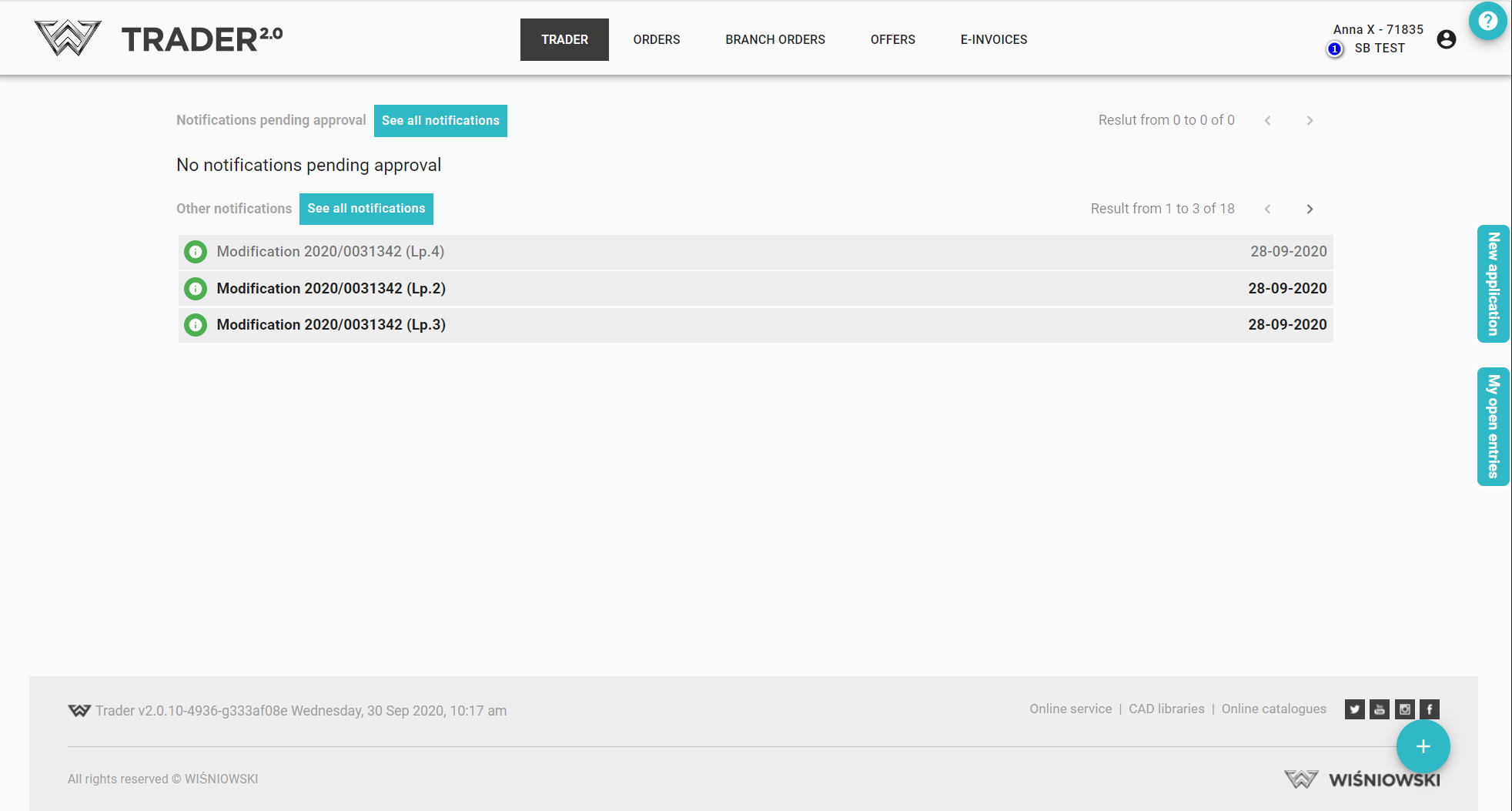
When logged into the applications, messages and current information are displayed, both on current promotions and information on how the application is working.
We can also immediately see which company we are logged in to and what user is logged in (1) as well as the information and messages provided.
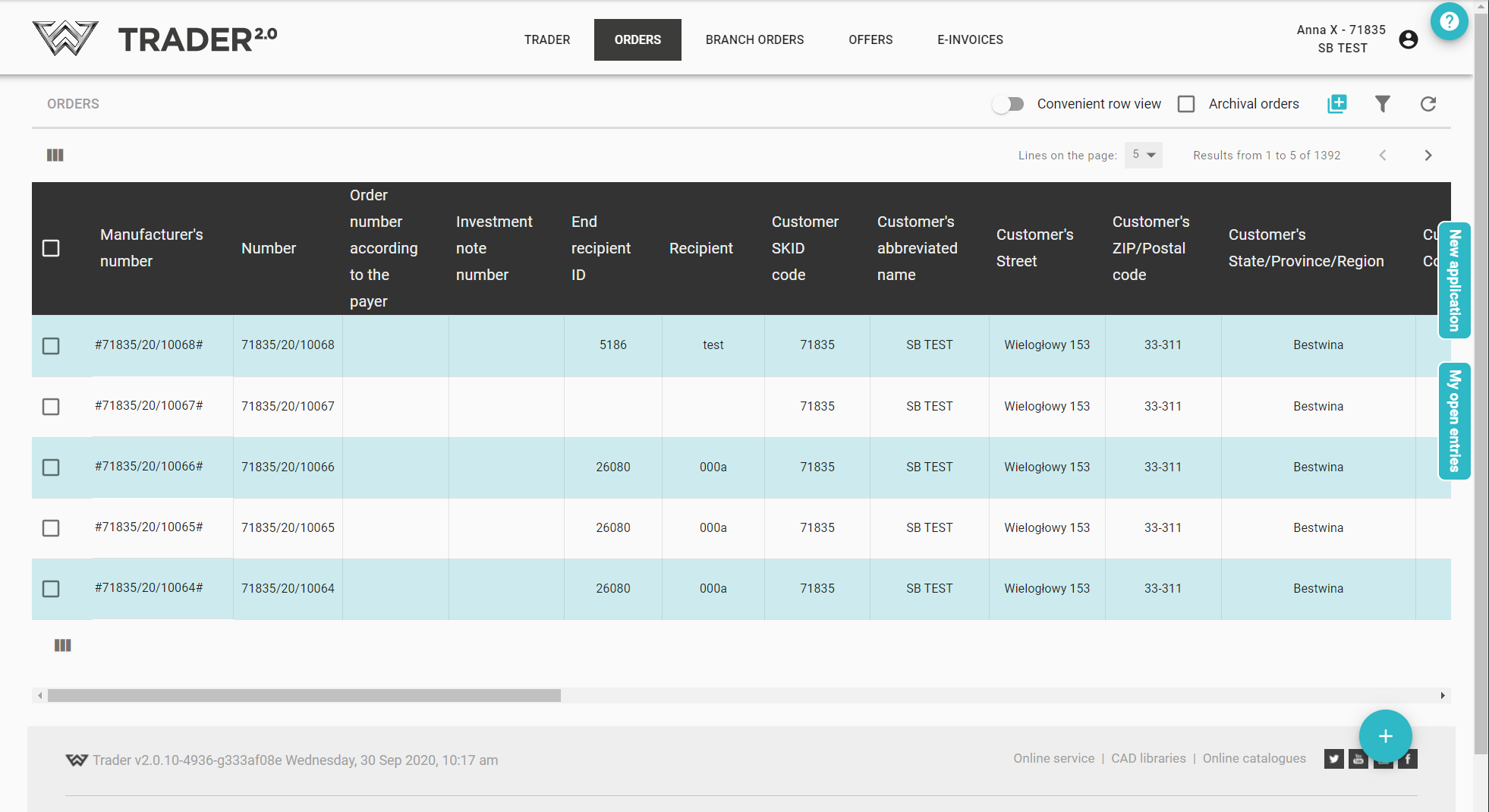
After logging in, we can access (the number of tabs displayed depends on the permissions granted):
- Order list,
- service order lists,
- branch orders list,
- marketing materials,
- joinery order lists
- offers,
- e-invoices.
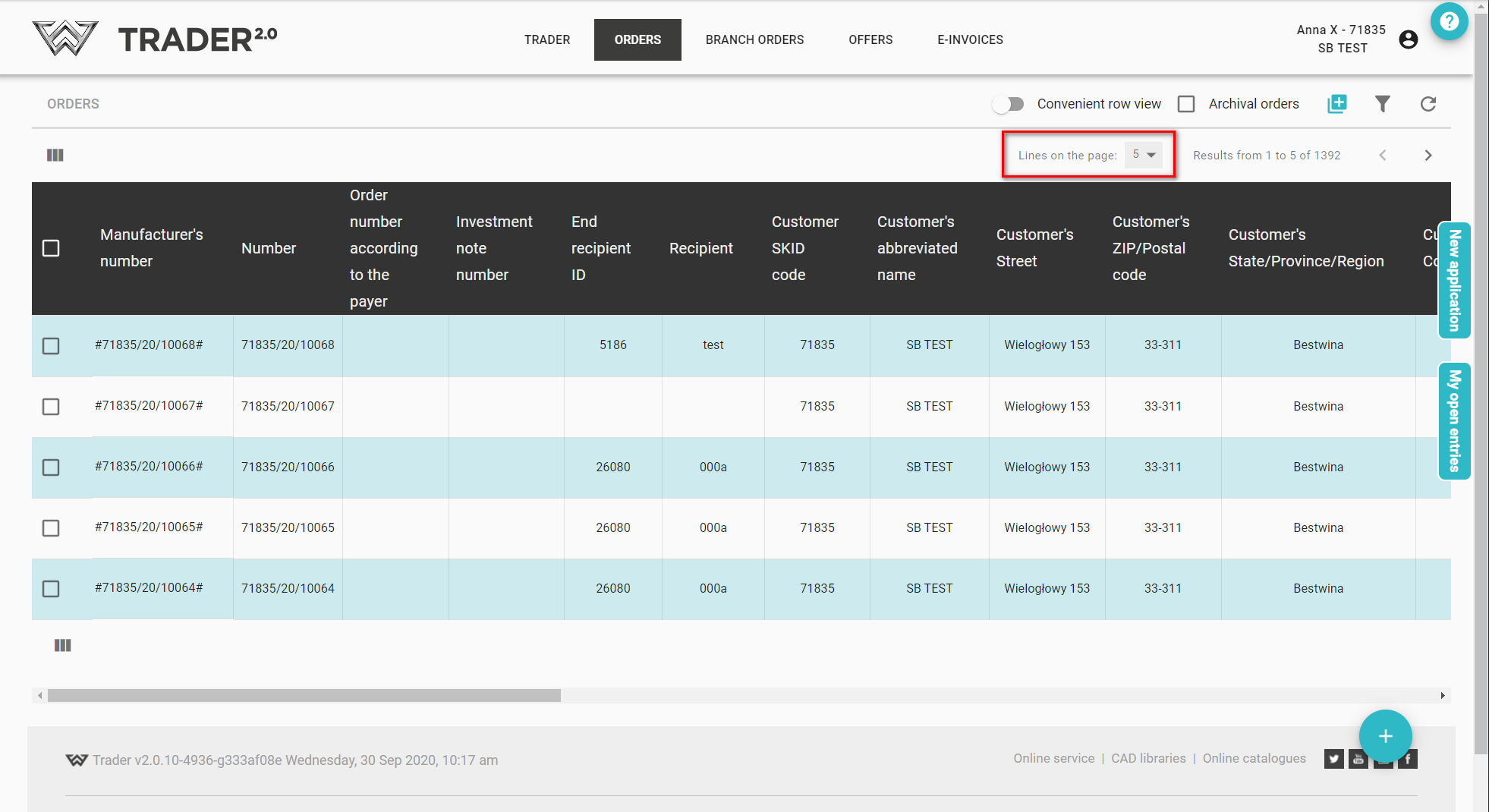
For individual elements, eg. In the list of orders displays a specified number of records.
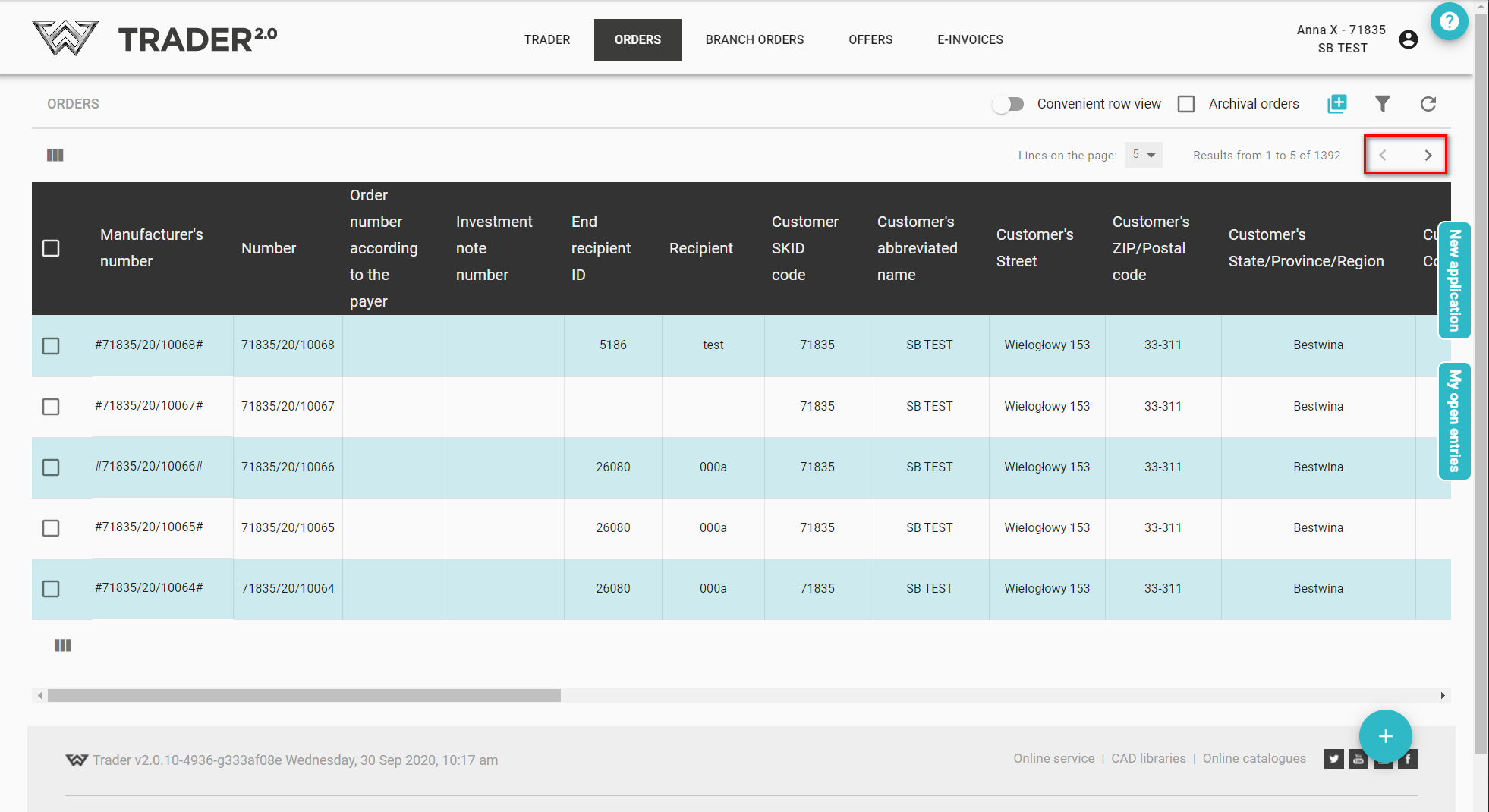
Use the arrows to move between the pages
We can also change the number of records displayed on the page
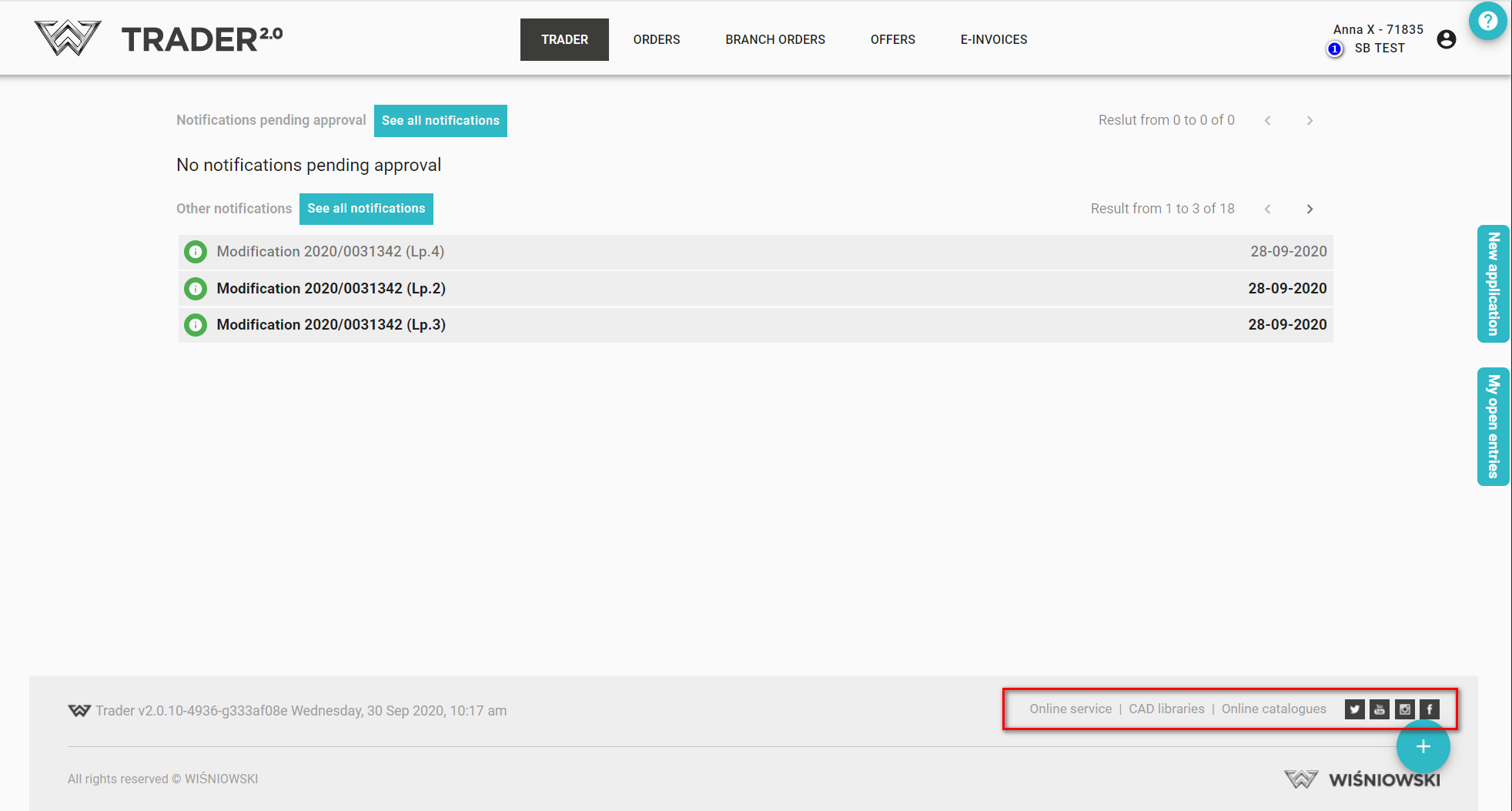
At any stage you can obtain quick access to:
- EXPERT 2.0,
- Service online,
- CAD library,
- Online catalogues,
- Company account on the x.com platform (formerly Twitter),
- Company Facebook,
- Company YouTube channel.
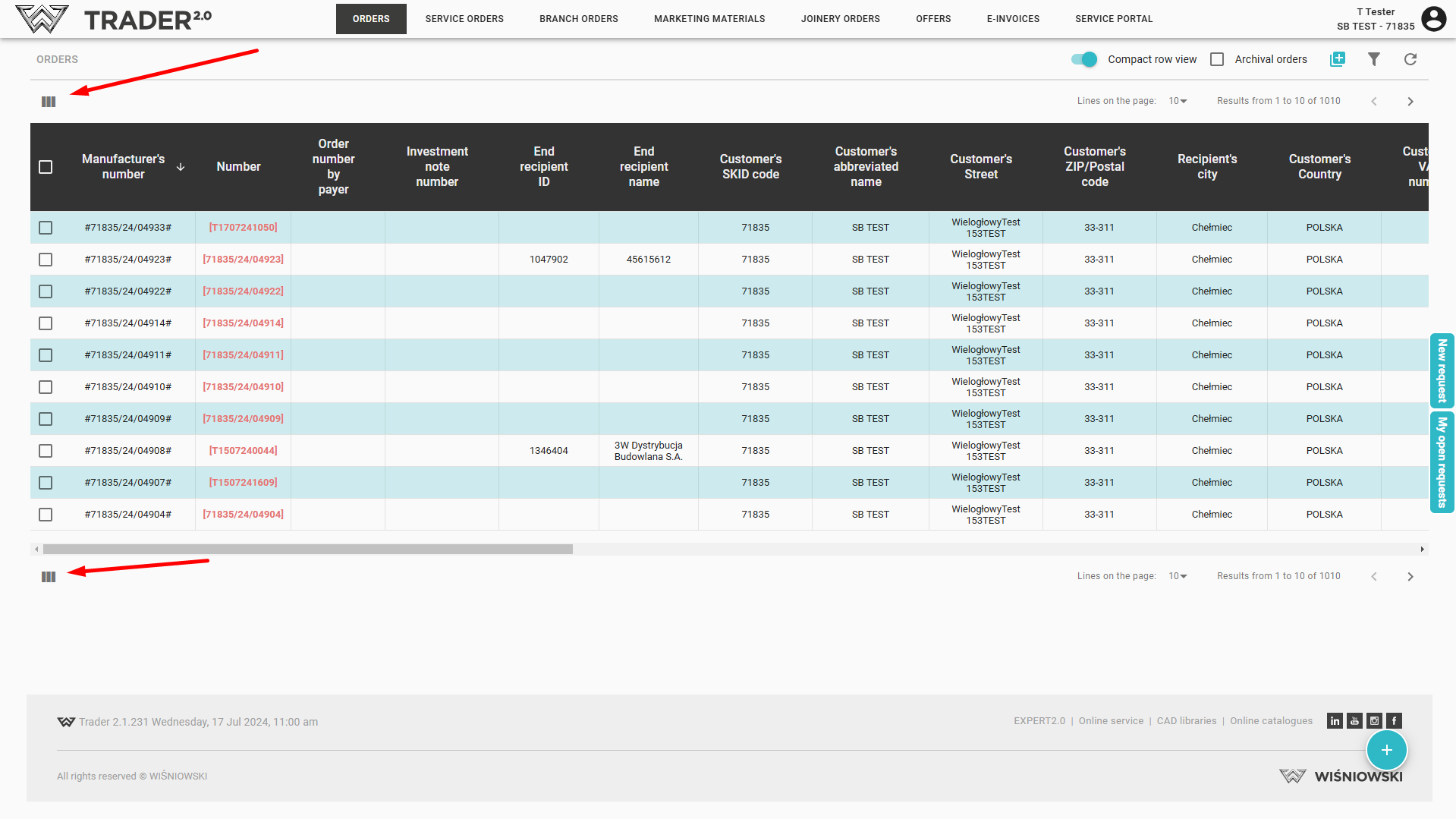
On individual lists, we can independently set the column view, e.g. hide those that we do not want to display. To do this, click the icon 
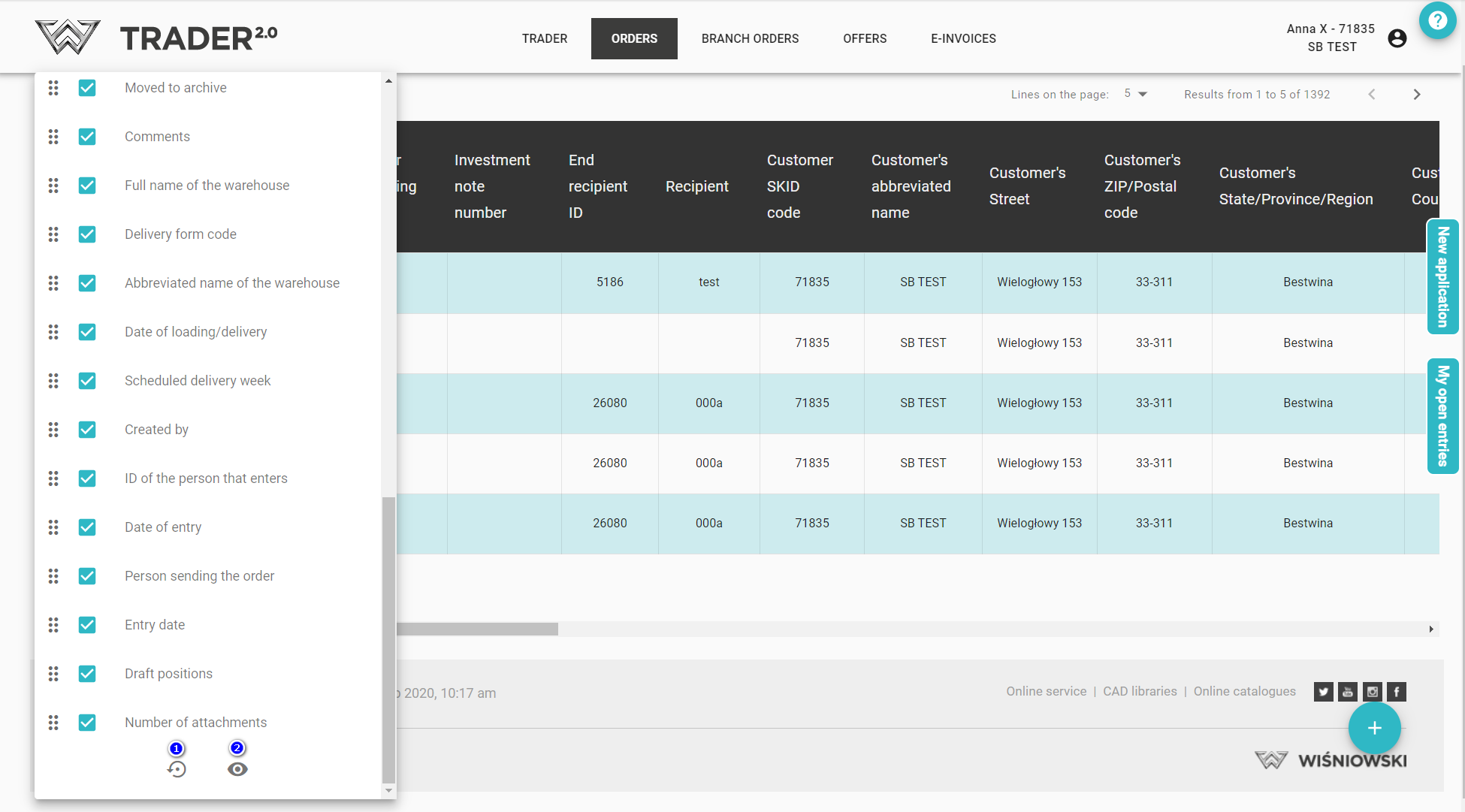
Then uncheck/check the columns to be displayed
Using the button:
1 - restore default settings,
2 - show/hide all columns
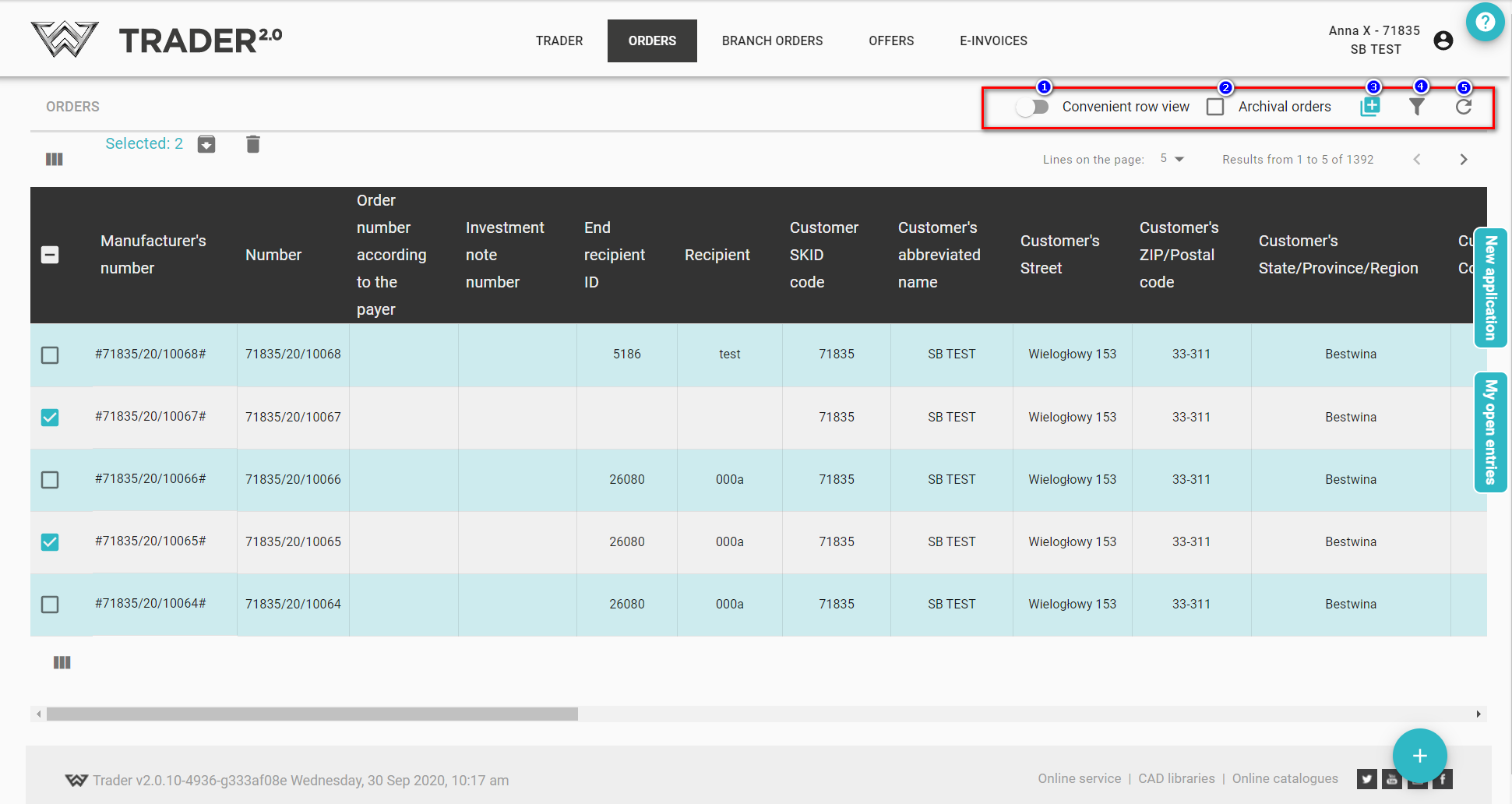
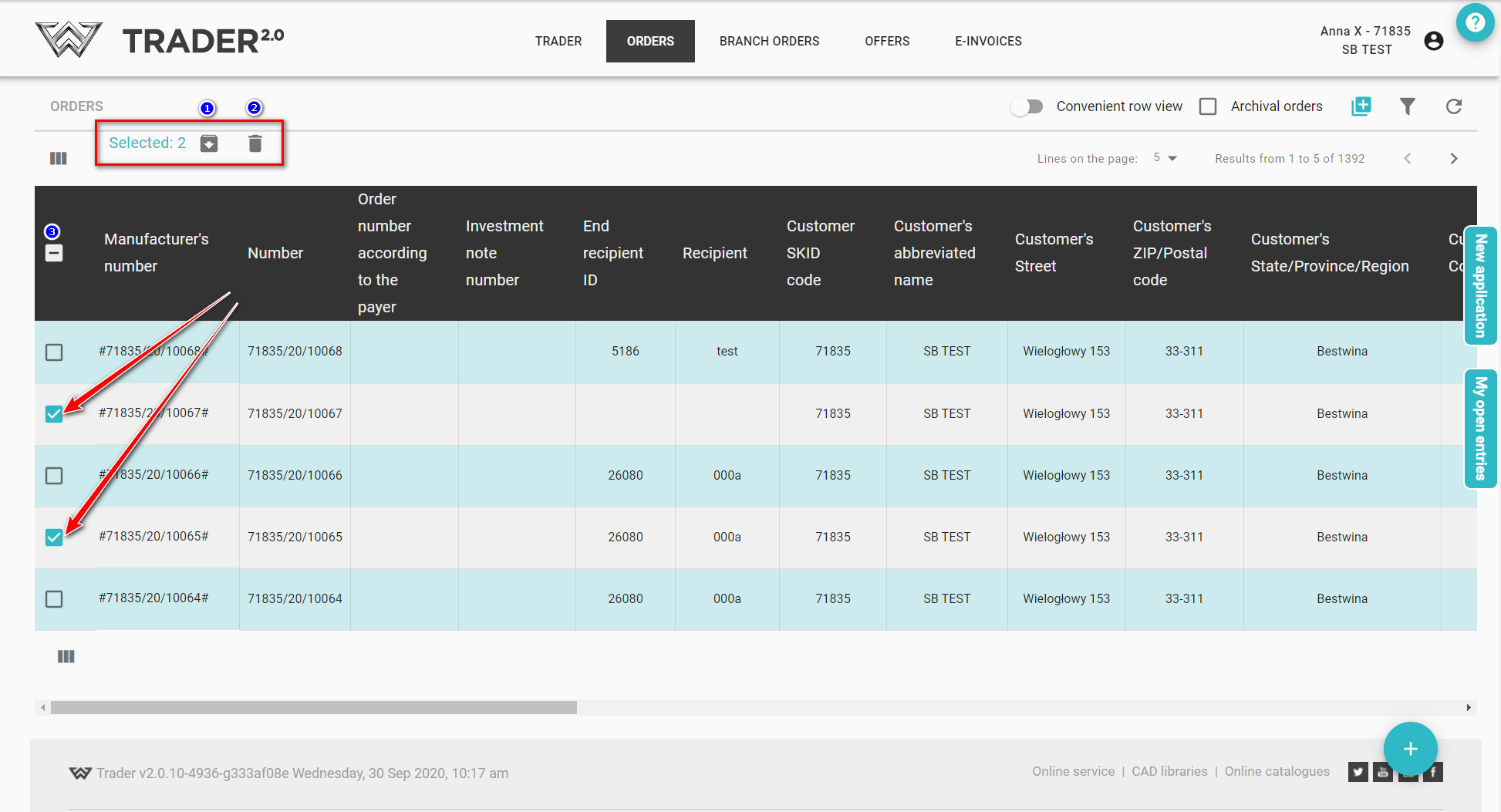
There is also the option of selecting/unselecting one or more items, in which case the ‘Archive’ (1) and ‘Delete’ (2) options become active (note! the main checkbox does not select all, but selects a maximum of 200 items)
Above the list there are available options:
- change in to convenient or compact view (1),
- option to quickly filter archive records (2),
- option to add a new order/offer (3),
- filtering (4),
- option to refresh the list (5).