MOVE THE COLUMN
1. View any table. Then move the selected column to any place with the mouse (Fig.1.).
The changes will be saved by your browser
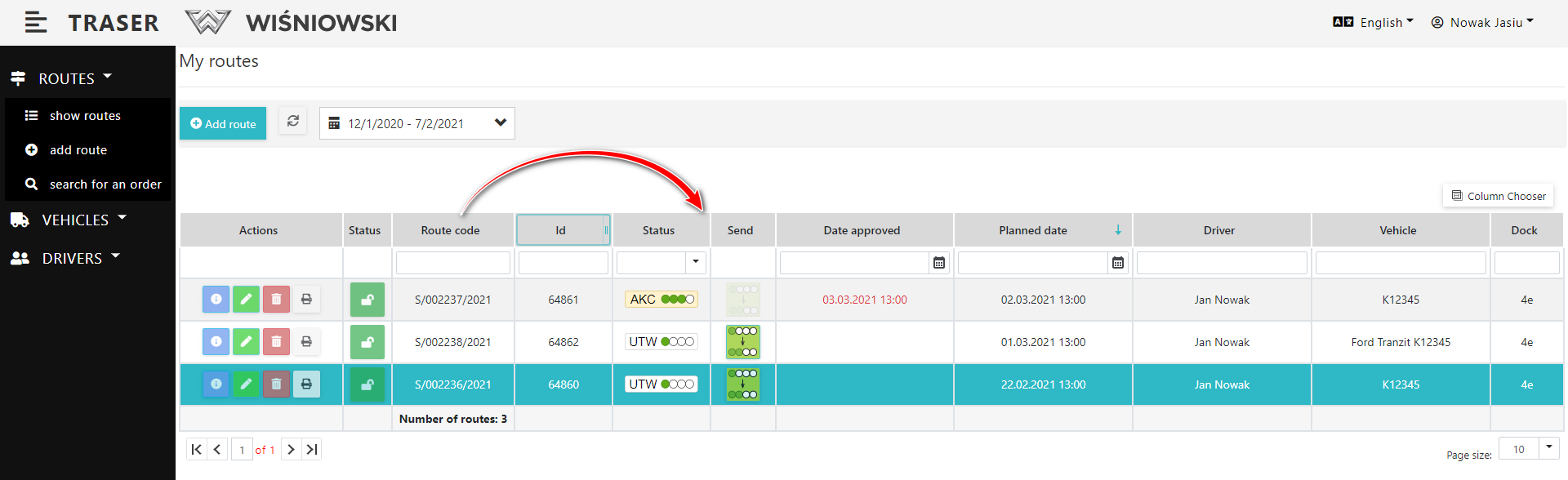
Fig. 1. Moving the column.
ANOTHER WAY TO MOVE THE COLUMN
1. View any table. Click the "Column Chooser" button, then move the selected column to any place with the mouse.
When moving a column, hold the bar with the name of the column by the icon --- on the right side of the bar. (Fig. 2.).
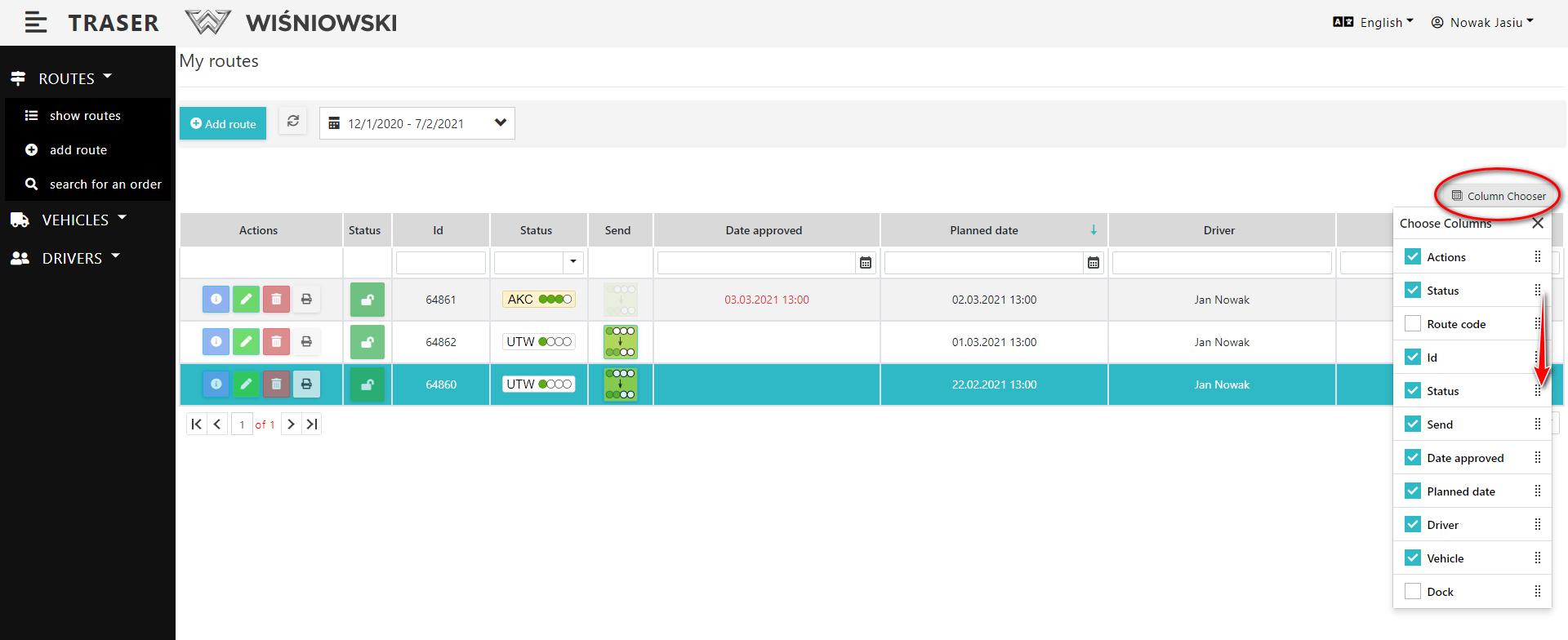
Fig. 2. Another way to move the column.
HIDING COULMN.
1. View any table. Click the "Choose Columns" button. Then check / uncheck the columns you want to display (Fig. 3.).
The changes will be saved by your browser.
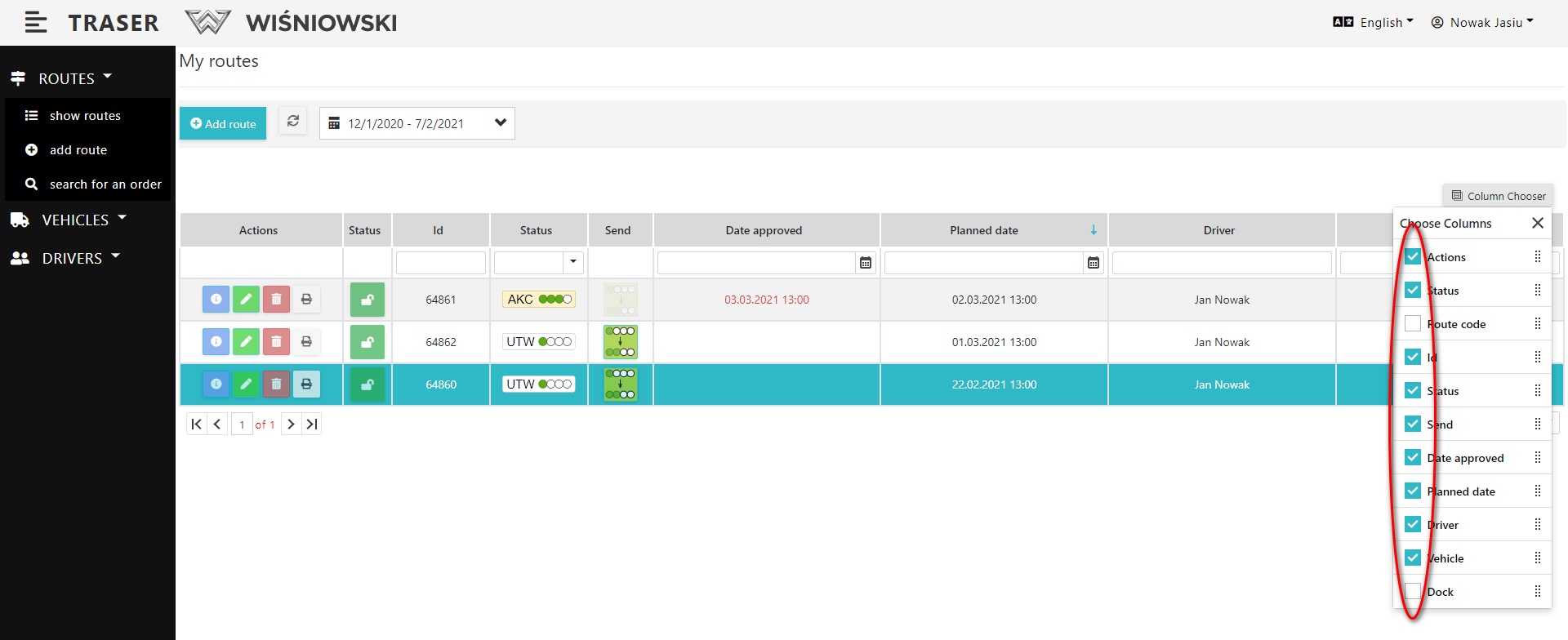
Fig. 3. Display of selected columns.