1. Run the "Traser" application, you will be automatically redirected to the oauth login screen.
2. Enter your login, password and click the "SIGN IN" button (Fig.2.).
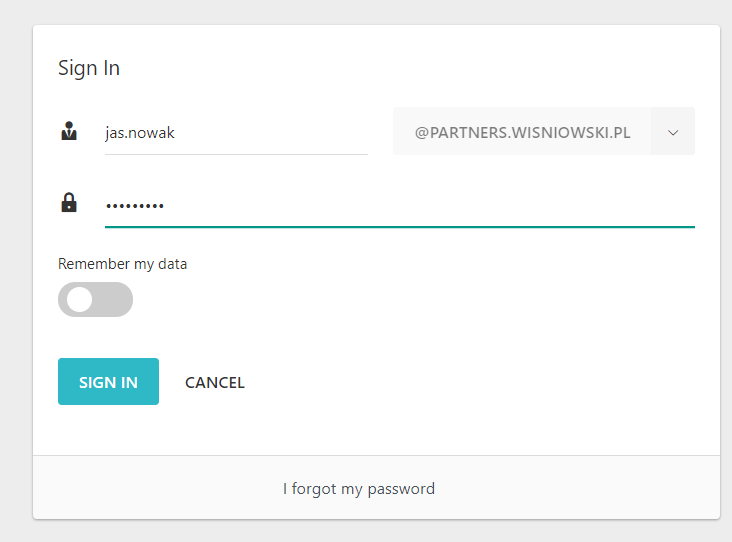
Fig.2. Oauth login screen.
3. If login was successful and you have previously been assigned the appropriate role in Oauth, you should see the welcome screen from the menu (Fig. 3.).
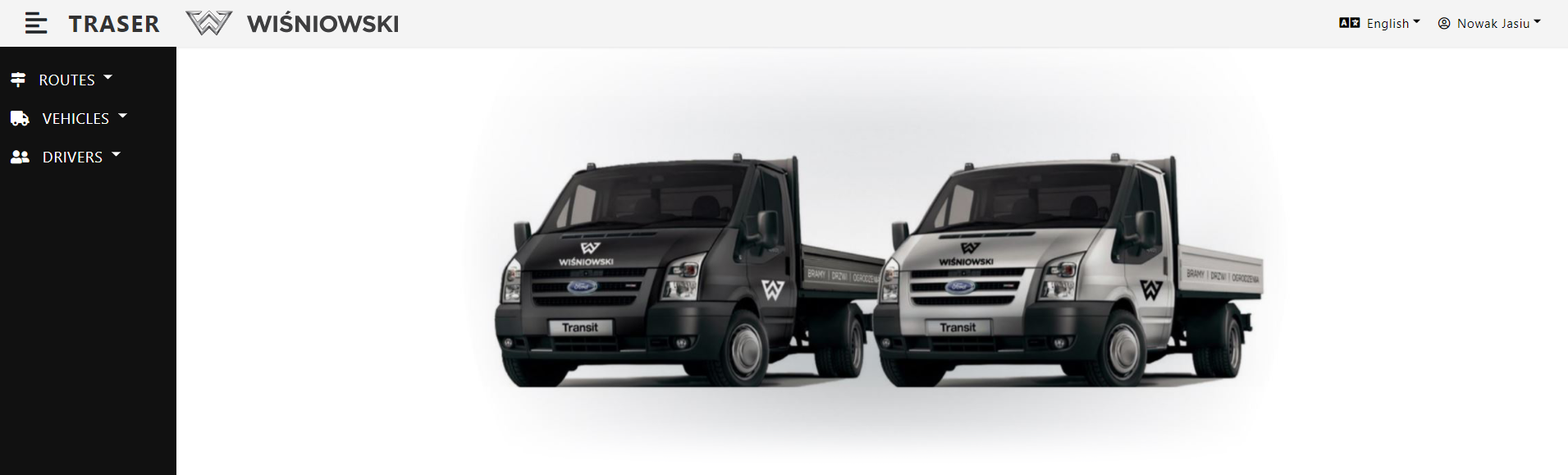
Fig. 3. Traser welcome screen for for logged in user.