Branch orders under the tab ‘Joinery orders’ are solved differently from standard orders. The key is the new column available on the format ‘SUB-DEALER status’ and the entry in the remarks column (In the remarks field the main dealer always has a hint that the order was generated by a sub-dealer )
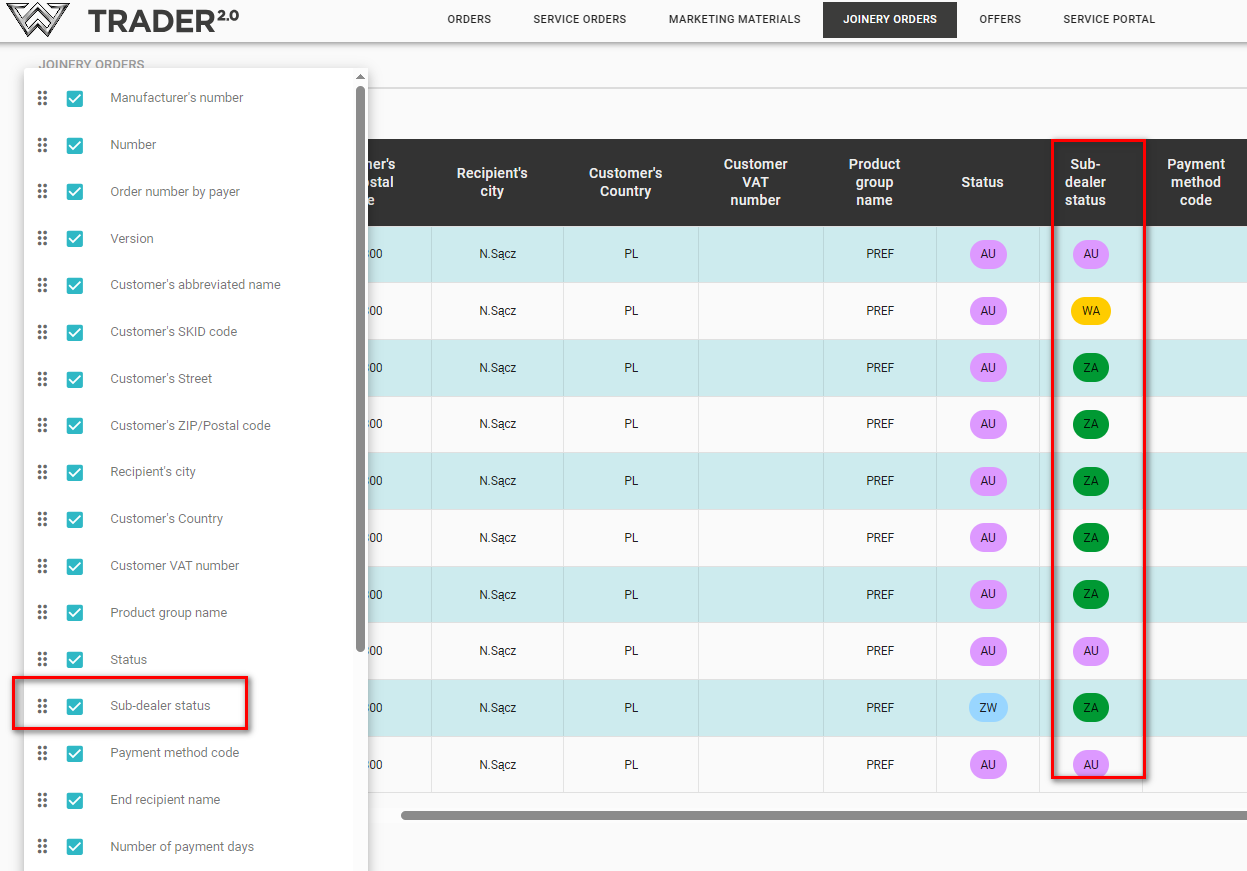
- Order generation from the sub-dealer side
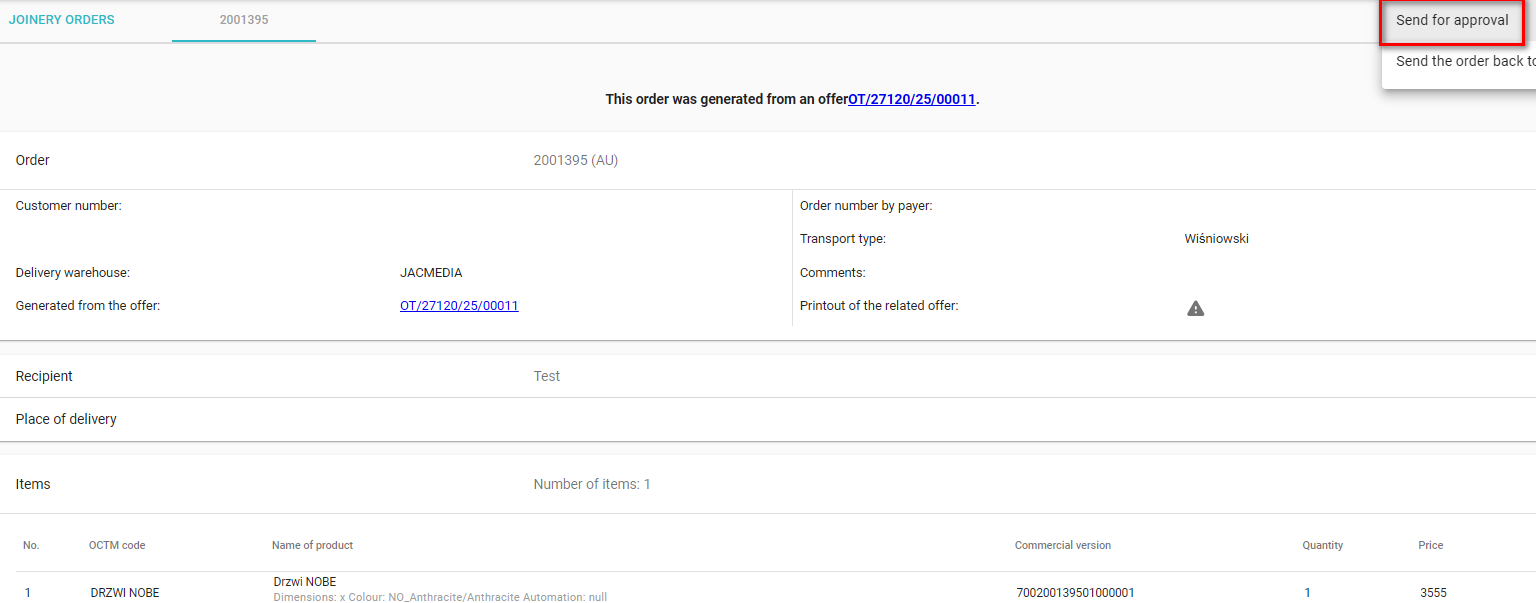
1) After creating an offer according to the guidelines from point I, we go to the ‘joinery orders’ tab and we will see the following actions on the order we are interested in
a) Submit for approval
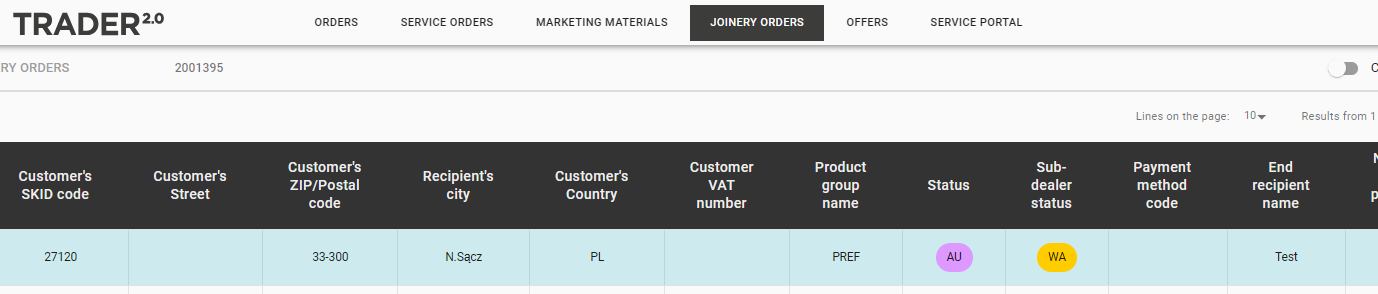
2) When an action is selected on an order, the status in the sub-dealer column will change to WA - In Approval - this status means that the order has been sent to the main dealer (Payer) for approval - no changes can be made after this action.
- Order acceptance on the part of the Main Dealer
A new order for our sub-dealer will appear in the Joinery Orders tab - you can identify such an order by the Remarks field and by the Status field - Sub - sub dealer = DA (To be accepted)
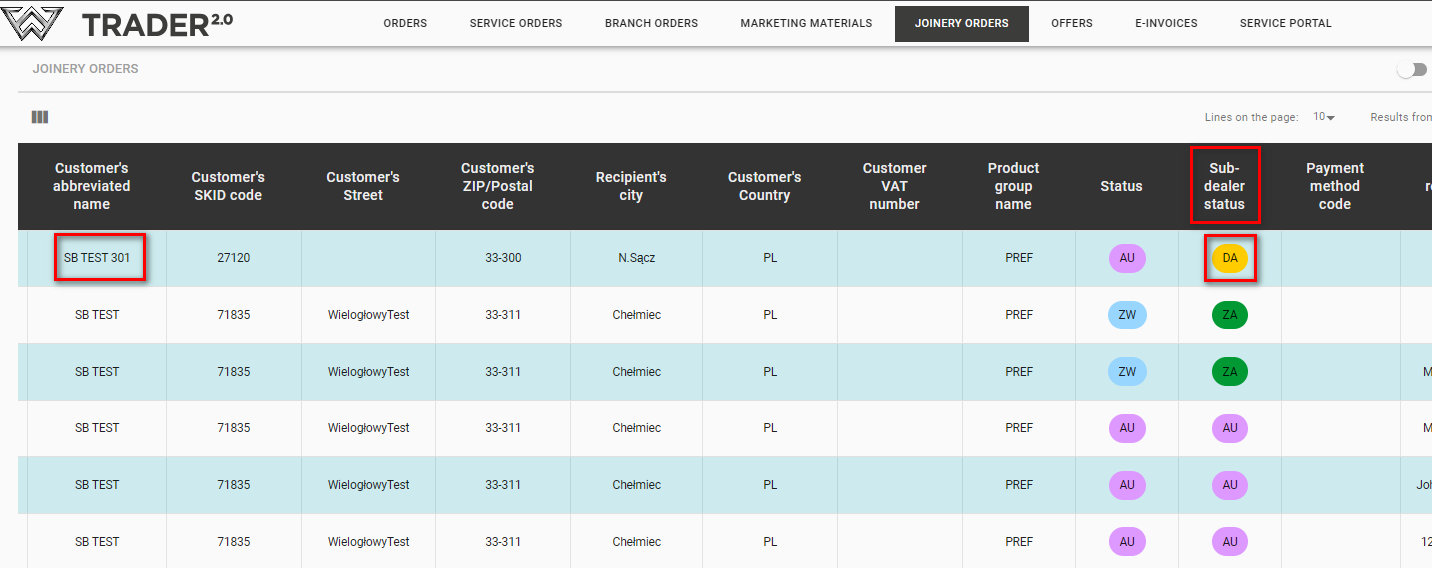
The payer now has two options:
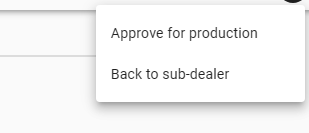
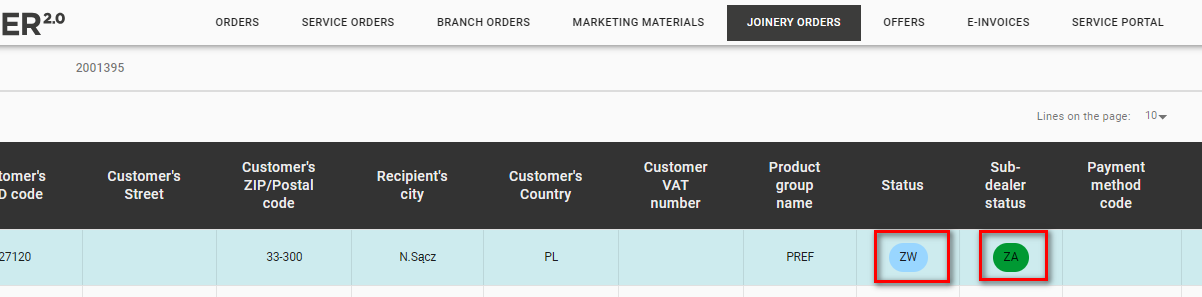
a) Approve for production - this will change the Status (ZW) and Status (ZA) columns.
b) Undo to sub-dealer- The order disappears from the list on the main dealer's view and the sub-dealer has the option to resubmit the order for approval, the order on his view has the status AU
